
persona · DevMeme field guide
Programming Memes for Junior Developers
Exact fit
Use this guide if you can write code but are still learning how a production team works: where context lives, how changes are reviewed, what Git is protecting, and why a small task can expose a large system.
You’re in the right place if…
- Your first weeks in a codebase feel like a tour of hazards everyone else has memorized.
- Review comments, Git state, or production terminology take longer to interpret than the code.
- You want jokes that acknowledge the learning curve without making the learner the punchline.
Work situations this collection covers
- Finding tribal knowledge during onboarding.
- Receiving and responding to a first substantial pull-request review.
- Comparing a tutorial’s environment with the project in front of you.
- Recovering a branch without destroying useful history or working changes.
- Debugging unfamiliar state with the simplest useful observation.
- Learning from a production incident inside explicit review and recovery guardrails.
Four explained examples to start with
- Onboarding through codebase trip hazards shows why recording each invisible bump improves the path for the next person.
- Random Git commands add fuel to the fire is a reminder to inspect before changing state.
- A senior explains how to draw a horse identifies the missing intermediate decisions in expert explanations.
- The first production incident points away from shame and toward review, rollout, monitoring, and recovery design.
Learning without belittling
Junior describes context and responsibility still being acquired, not a fixed measure of intelligence. Experienced engineers also misread requirements, break builds, misuse tools, and need help. The difference is usually a larger library of prior situations and a better map of where to inspect next.
Useful mentorship exposes that map. It names constraints, demonstrates how evidence changes a decision, and leaves room for the learner to perform the work. “It depends” becomes educational only after someone explains what it depends on.
Curated memes
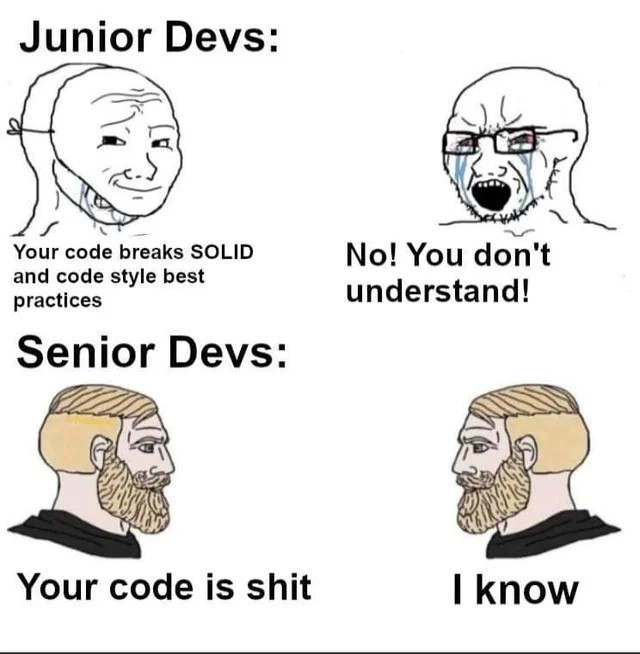
Reviews improve fastest when feedback targets the change and neither author nor reviewer treats code as identity.
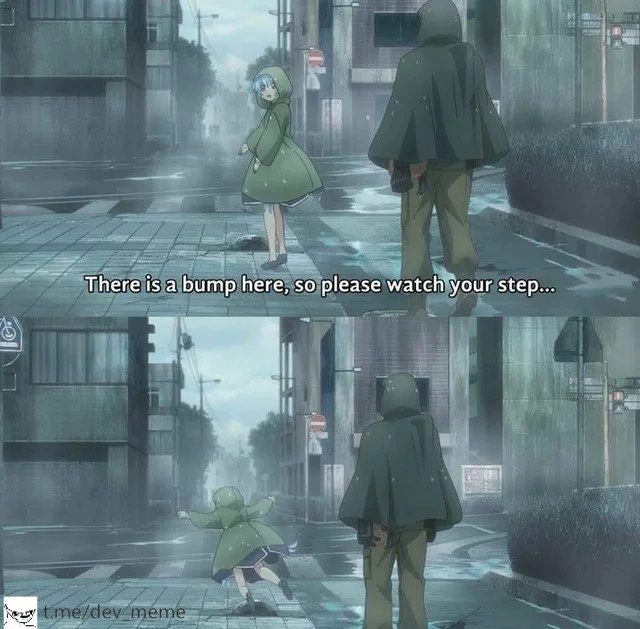
A senior pointing out invisible bumps is an exact picture of onboarding through tribal knowledge—and why juniors should record those hazards.
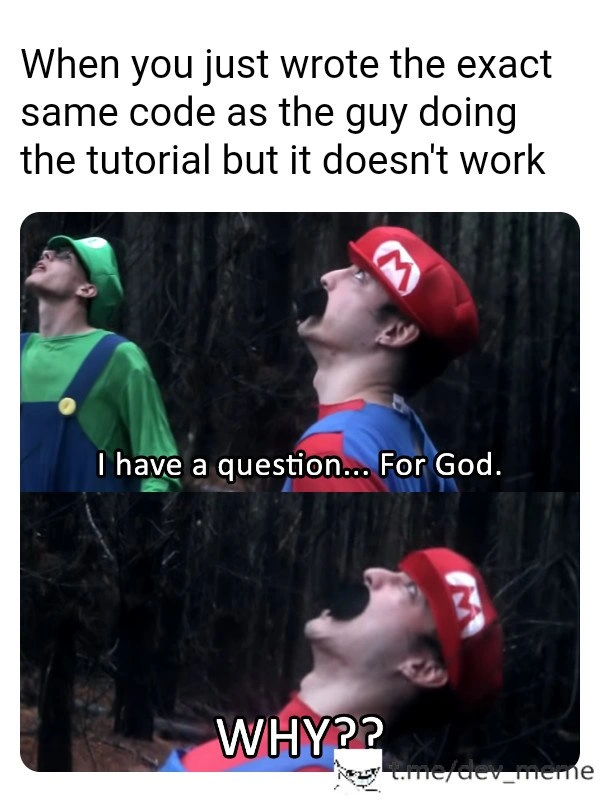
Identical-looking code can fail because versions, files, data, or environment differ; the meme validates frustration while steering readers toward comparing context.
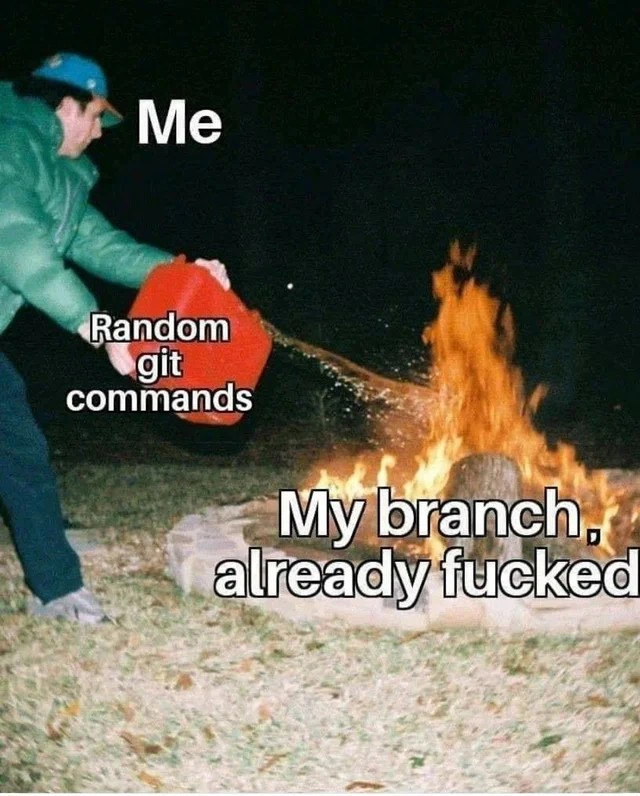
Random Git commands feel active but destroy information; inspect status and history and understand the operation before changing more state.
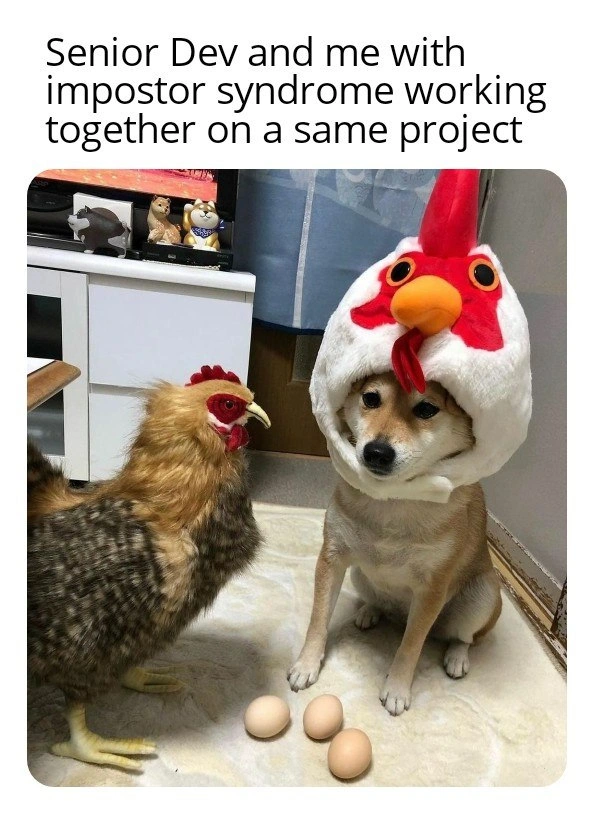
The dog in a chicken hat captures the false comparison between a learner’s inside view and an expert’s polished output.
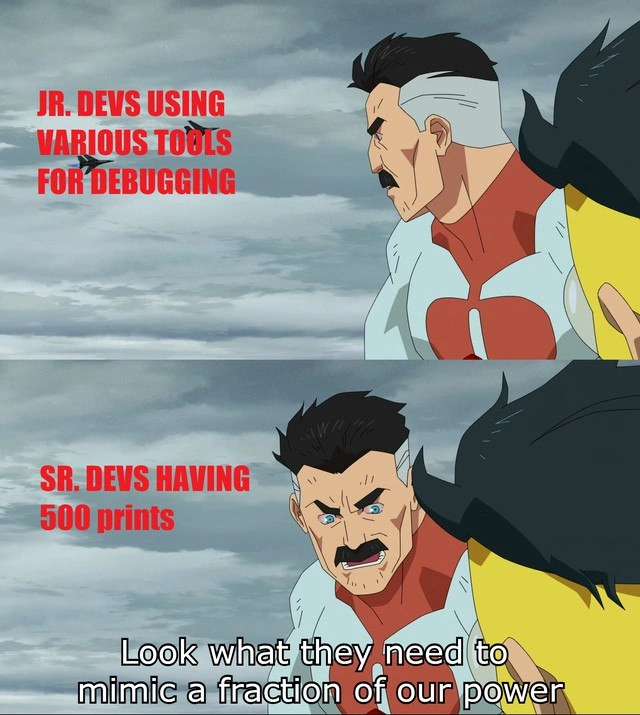
Simple instrumentation used deliberately can beat an impressive tool used without a hypothesis.
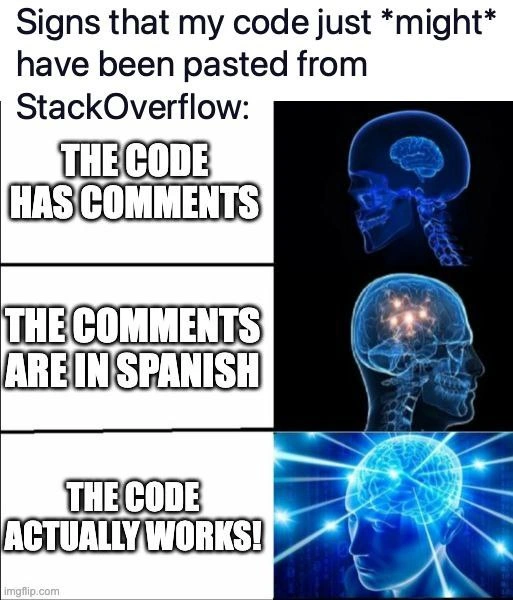
A pasted snippet is a lead, not proof; read its assumptions, license, context, and behavior before trusting the lucky compile.
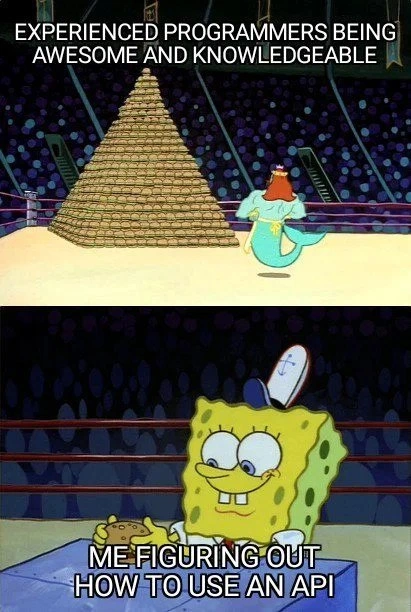
Making one API call work is a legitimate milestone; expertise is accumulated from many such small, verified wins.
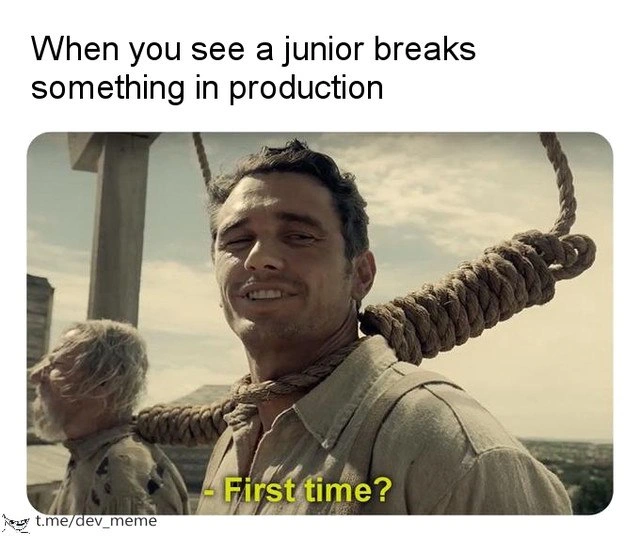
The gallows joke normalizes mistakes without excusing unsafe systems: good teams add review, rollout, and recovery guardrails.
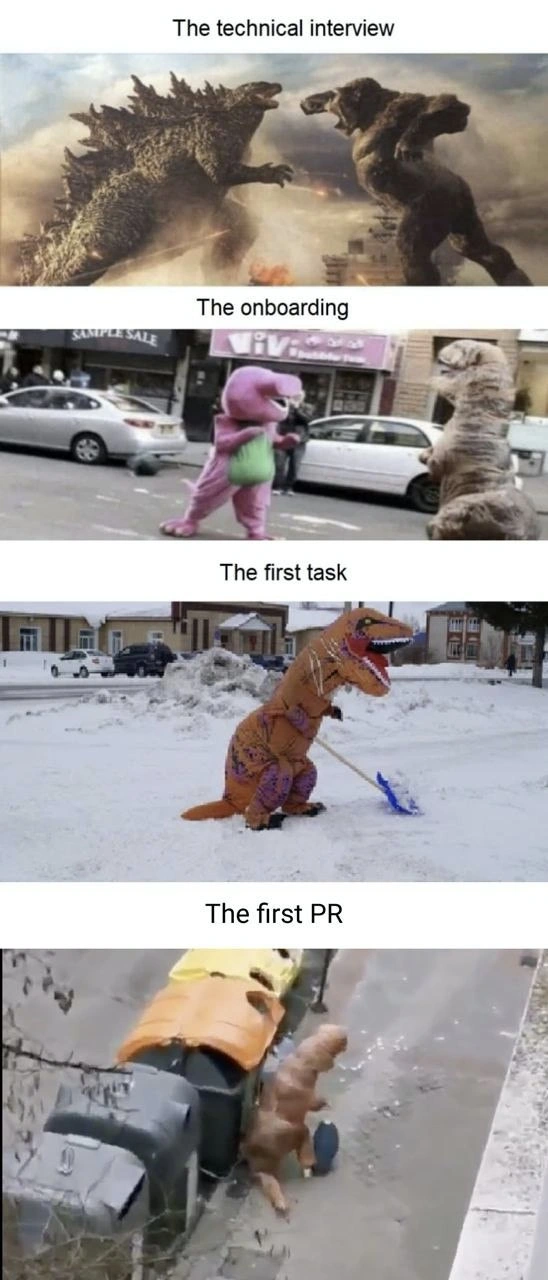
The four stages acknowledge the mismatch between interview theater, gentle onboarding, small starter work, and a humbling first review.
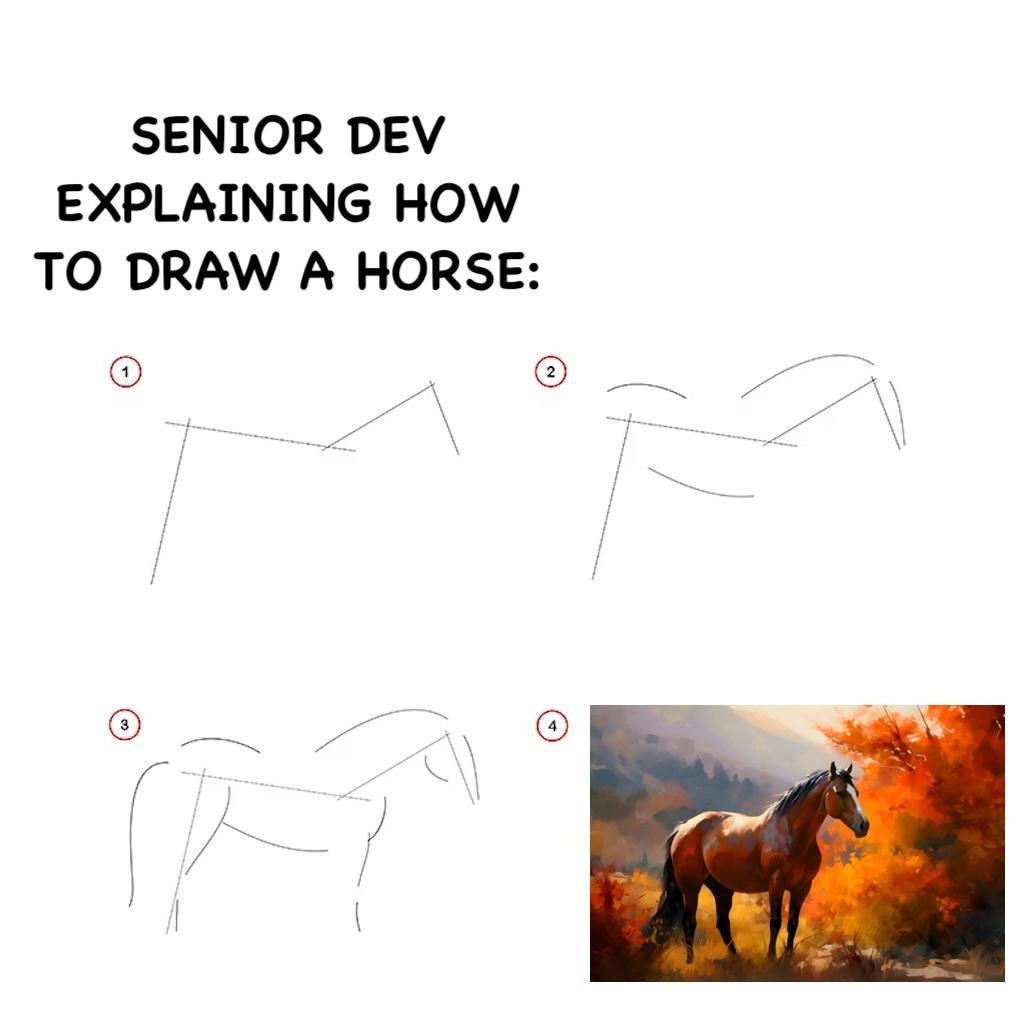
The missing middle is the lesson: ask mentors to expose intermediate decisions, not only the trivial start and finished architecture.
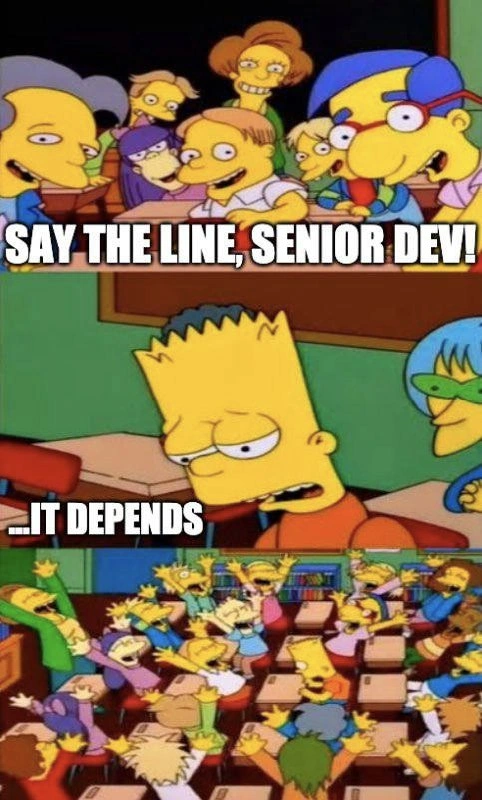
‘It depends’ is useful only when followed by constraints and tradeoffs; learning to ask ‘Depends on what?’ is the junior-level unlock.
Browse the underlying catalog
Related resources
- Programming Memes for Non-ProgrammersUnderstand programming memes through plain-language work situations, developer vocabulary, user needs, and family tech-support misunderstandings.
- Programming Memes for DevOps EngineersCurated DevOps memes about CI/CD, releases, on-call work, observability, containers, production recovery, and invisible reliability labor.
- Enterprise Software Engineering Memes, ExplainedEnterprise software memes explained through legacy modernization, governance, shadow IT, vendor lock-in, planning, and technical debt.
Sources
- Google Engineering Practices: the code author's guide official-product · checked 2026-07-16
- Git documentation: git-status official-product · checked 2026-07-16
- Google SRE Book: Release Engineering primary · checked 2026-07-16
Real reader questions
- Why does my tutorial code fail when I copied it exactly?
- The visible code may match while the surrounding context does not. Compare runtime and package versions, environment variables, file paths, input data, operating system, and omitted setup steps before assuming that the same text creates the same program.
- Is a long code review a sign that I am a bad developer?
- No. Review volume can reflect unfamiliar conventions, a change that is too large, missing context, or a reviewer teaching project-specific constraints. Treat comments as information about the change, ask for priorities, and separate code feedback from personal worth.
- What should I do before trying random Git commands?
- Pause and preserve information. Read the current status and history, identify which branch and files are affected, and understand whether a proposed command changes working files, commits, or references. Ask for help before using a destructive operation you cannot explain.
- Is print debugging only for beginners?
- No. Simple output can be effective when it tests a clear hypothesis and is removed or converted into appropriate instrumentation afterward. The useful distinction is deliberate observation versus adding noise without knowing what state you need to inspect.
- How should a team handle a junior developer's production mistake?
- Restore service first, then examine the system around the change: review, tests, permissions, rollout size, monitoring, and rollback. A safe team learns without humiliation while still correcting the technical and process conditions that allowed the incident.