
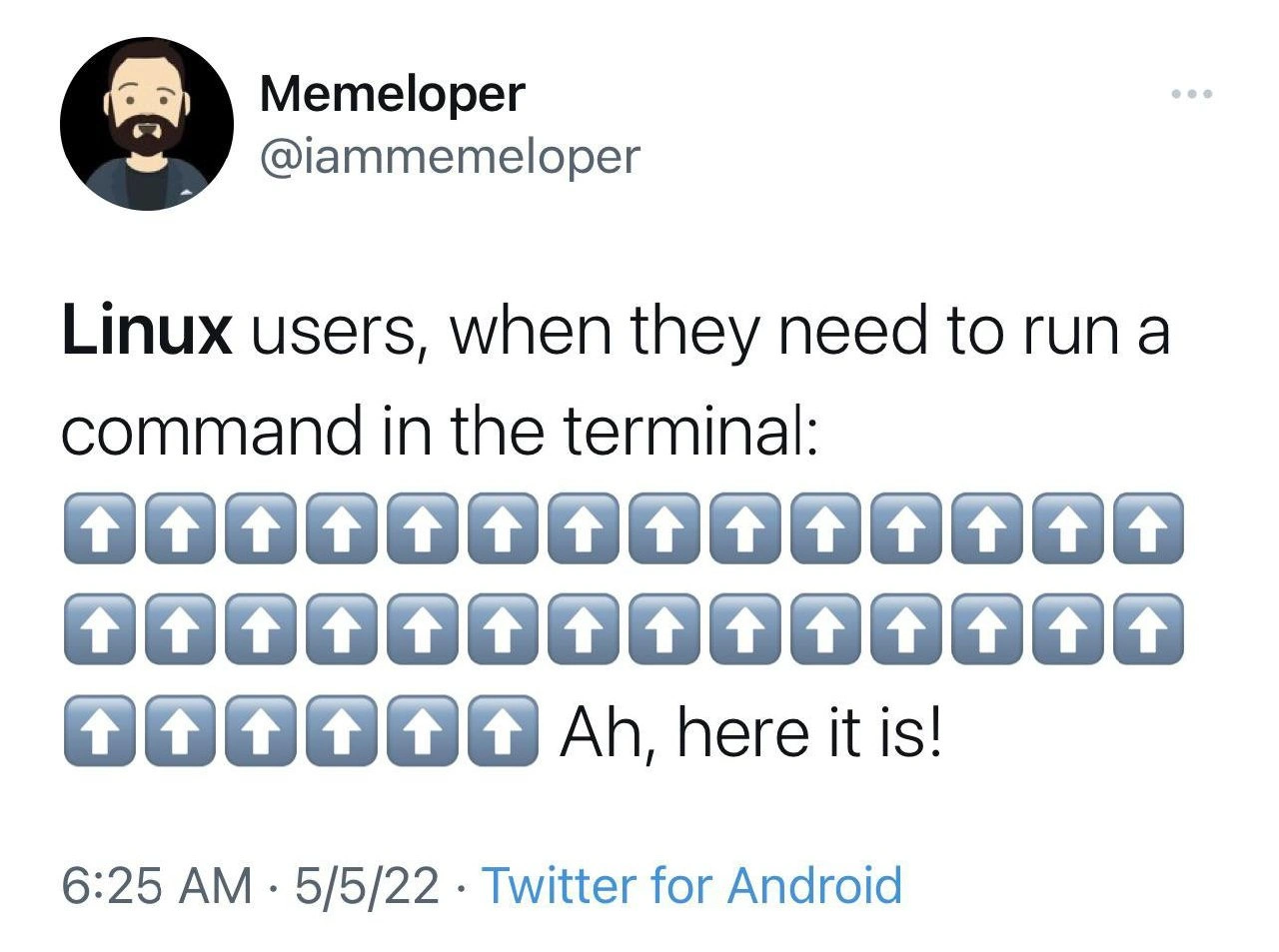
Mashing the up arrow to find bash history commands, the Linux user experience
Description
Screenshot of a tweet from the account “Memeloper” (@iammemeloper). The tweet text reads: “Linux users, when they need to run a command in the terminal:” followed by three full rows of blue square up-arrow emojis (⬆️), then the line “Ah, here it is!”. Standard Twitter UI elements - avatar, username, three-dot menu, and the footer “6:25 AM · 5/5/22 · Twitter for Android” - frame the post. Visually, the wall of up-arrows represents repeatedly pressing the ↑ key in a Unix shell to scroll through command history until the desired command appears. The meme humorously captures a common developer workflow quirk, highlighting CLI ergonomics, productivity shortcuts, and the shared pain of relying on bash history instead of more efficient search utilities like Ctrl+R







Comments
6Comment deleted
I just built a sharded, O(log n) search service, then spent 30 seconds doing an O(n) ↑-key scan through a decade of .bash_history - turns out indexing is only for production data
Twenty years of muscle memory hitting up-arrow because learning Ctrl+R would mean admitting the junior dev who suggested it five years ago was right
Every senior engineer knows the real Linux power user move isn't memorizing commands - it's developing the muscle memory to hit up-arrow exactly 47 times to find that one obscure rsync incantation you wrote six months ago. Sure, Ctrl+R exists, but why use efficient reverse-search when you can take a nostalgic journey through your entire command history, rediscovering that time you accidentally ran 'rm -rf' with a typo that somehow didn't destroy everything? The up arrow isn't just navigation; it's archaeological excavation of your past self's problem-solving attempts, complete with the mounting anxiety as you realize you might have to actually *retype* the command if you overshoot
The ↑ key: Bash’s default linear search engine - beats Ctrl‑R only when HISTSIZE=3
Up-arrowing through shell history is the CLI equivalent of a full table scan; bind Ctrl-R to fzf and add an index
When even Ctrl+R feels too commit-y, just ↑↑↑ your way through a decade of unpruned history