The Difference Between a Junior and Senior Developer's Code
Why is this CodeQuality meme funny?
Level 1: Skipping the Instructions
Imagine you get a brand-new LEGO set, but you decide not to look at the instruction booklet at all. You excitedly start sticking pieces together however you think they might go. Pretty soon, the castle or spaceship you were trying to build looks odd and you’re not sure why certain pieces are left over or where others should go. You’re confused, maybe a little frustrated, and the whole thing looks kind of funny because something’s clearly not right. All of this happened simply because you ignored the easy guide that came with the toy.
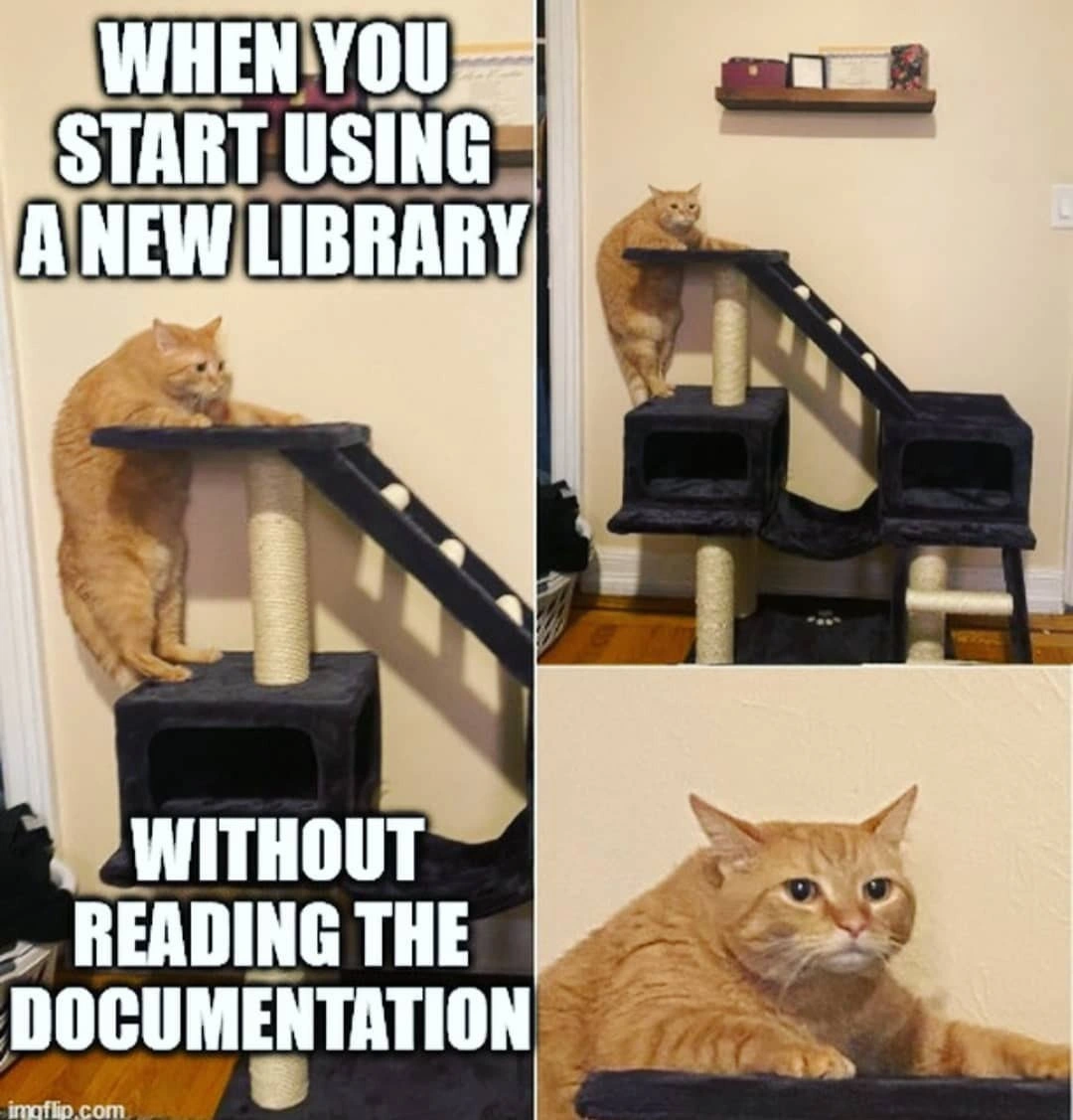
That’s exactly the joke here: it’s funny and familiar because we’ve all felt that way when we don’t read the instructions. In the meme, the silly cat is like a person who didn’t read how to use a new gadget or toy. It’s trying to climb a kitty play tower in the wrong way and ends up in an awkward, goofy position. If the cat (or person) had just used the little ramp or read the how-to guide, everything would be easy. The humor comes from recognizing the silly situation: doing things the hard way by skipping the simple directions, and ending up baffled — with a face just like that orange cat.
Level 2: Learning Curve Climb
Let’s break down what’s happening in simpler terms. In programming, a library is like a big pre-made toolkit — code that someone else wrote to solve common problems, which you can include in your own project. When you start using a new library, there’s usually documentation (think of it as an instruction manual or guide) that explains how to use those tools properly. This might be a README file, a website with tutorials, or an official guide. Reading the documentation first is kind of like reading the rules before playing a new game; it tells you the right way to do things and warns about common pitfalls.
In the meme, the cat trying to climb the tower without using the ramp is just like a developer trying to use a new library without reading its docs. Notice how the cat is struggling and looks confused? That’s exactly how a developer feels when they skip the “How to get started” section. They might call the wrong functions or set things up incorrectly because they’re guessing how the library works. We often call this trial-and-error coding – basically experimenting with the code until something works. It’s a normal part of learning, but doing it blindly (without any guidance) can be frustrating and slow.
- Developer Experience (DX): This term means how easy and pleasant it is for developers to use a tool or library. Good DX is when things are straightforward and well-documented – you feel like the library is helping you, not fighting you. Documentation is a huge part of DX. If the docs are good (and you read them!), your learning curve isn’t so steep. If you ignore the docs, even a great library can feel confusing or hostile.
- Learning curve: This describes how hard it is to learn something new, and how quickly you get the hang of it. A gentle learning curve means you can pick things up pretty easily (often because there are good docs or it’s similar to what you know). A steep learning curve means it’s challenging and requires more effort to understand. Skipping documentation basically makes the learning curve steeper, because you’re missing the shortcuts and explanations that flatten out the climb.
So what’s the big lesson? When a developer grabs a new tool and doesn’t read the instructions, they often end up like that cat: using the tool in awkward ways, probably missing the easier path. It’s funny to other developers because it’s a relatable humor – we remember being new and thinking “Docs are boring, I’ll just figure it out myself,” and then getting horribly stuck. The truth is, spending a few minutes reading the guide or documentation can save hours of headache. If our cat friend could read, we’d hand it the “Cat Tower User Manual” 😅. In real life, a quick skim of a library’s Getting Started guide or README is the ramp that helps you climb that learning curve with less confusion. Trust us: even though diving in headfirst can be exciting, a little upfront learning makes the journey way smoother.
Level 3: Trial-and-Error Tower
This meme captures a classic dev mishap: diving into a new library headfirst without reading any documentation. The orange cat clinging awkwardly to the side of the cat tree is basically a developer hugging an unfamiliar API in all the wrong ways. The cat tree has a neat little ramp (the obvious intended path, like a well-written Getting Started guide), but our feline friend ignores it completely. Likewise, in software, skipping the documentation means ignoring the intended usage of the library. The result? Graceful climbing Nope – just confusion and some clumsy maneuvering.
In the top-left panel text ("WHEN YOU START USING A NEW LIBRARY"), we see the eager developer mindset: “This looks cool, let’s plug it in right now!” Meanwhile, the bottom caption ("WITHOUT READING THE DOCUMENTATION") flags the punchline: the developer, like the cat, jumped straight in with no guidance. It’s a humorous jab at documentation aversion – a well-known habit where devs prefer coding by instinct or Stack Overflow scavenging over studying official docs. We’ve all seen it (or done it): npm install shiny-new-lib -> skip the README -> begin coding -> immediate confusion. In the meme, the cat’s perplexed face in the zoomed panel is basically the developer’s “Wait, why isn’t this working? 🤨” expression when the library doesn’t behave as expected.
Why is this so funny (and painful) from a senior perspective? Because it’s relatable developer experience. Experienced devs know the sinking feeling of trial-and-error coding with an unfamiliar tool – that DX pain when nothing makes sense because you missed the initialization step buried in paragraph 2 of the docs. The cat’s strategy (clinging to the side instead of using the ramp) is like a programmer calling semi-hidden functions or using a library’s internals improperly because they didn’t RTFM (Read The Friendly Manual 😉). It’s a textbook learning curve faceplant: you eventually might reach the top, but you’ll do it the hard way.
From an industry angle, the meme highlights the importance of Developer Experience (DX) and good onboarding materials. A well-designed library often provides a ramp — clear docs, tutorials, examples — to help you climb smoothly. But if those guides are missing (or we arrogantly ignore them), onboarding becomes a blind climb. The humor lands because every dev team has war stories of someone introducing a fresh library without looking at docs: people misusing functions, causing weird bugs, then scrambling for answers that were in the documentation all along. It’s a gentle roast of that overconfident “I don’t need instructions, I got this” mentality. In short, the cat-tree confusion perfectly symbolizes the self-inflicted chaos that ensues when we skip the manual and proceed by pure trial-and-error 😼.
Description
A two-panel meme comparing the code of a junior and senior developer. The top panel is labeled 'Junior Developer's Code' and shows a single, long, and winding road. The bottom panel is labeled 'Senior Developer's Code' and shows a complex and well-organized highway system, with multiple lanes, on-ramps, and off-ramps. The meme is a visual metaphor for the difference between the code written by a junior and a senior developer. A junior developer's code may be functional, but it's often linear and lacks structure. A senior developer's code, on the other hand, is more likely to be modular, scalable, and easy to maintain. The meme is a humorous way of illustrating the importance of good software architecture and design
Comments
7Comment deleted
A junior developer writes code that they can understand. A senior developer writes code that other senior developers can understand. A great developer writes code that a junior developer can understand
Adopting an undocumented library: you grab the first exposed API, monkey-patch your way to the top, and by the time you spot the proper ramp the CTO has informed you that you’re now its upstream maintainer
That moment when you realize the library's "simple" API has seventeen different lifecycle hooks, three competing state management patterns, and the maintainer's idea of backward compatibility is "just vendor lock everything."
This perfectly captures the hubris of every senior engineer who thinks 'I've used enough libraries, how different could this one be?' - right before discovering the library uses zero-indexed months, has breaking changes between minor versions, or implements its own novel interpretation of REST. The documentation exists for a reason, and that reason is usually buried in a GitHub issue from 2019 that explains why the obvious approach will silently corrupt your data in production
New library, no docs: you sprint up the “QuickStart” ramp, realize it’s the v2 migration path, cling to an @Internal API, and somehow the POC becomes production
Version 1.0: feature-complete. Documentation: 'Pull requests welcome.'
Importing a “tiny” helper without reading the docs is how you learn in prod that its zero‑config default registers a global singleton, monkey‑patches fetch, and pins a transitive peerDependency to 2019