The Exponential Growth of AI: From Dot to Winking Colossus
Why is this AI ML meme funny?
Level 1: Tiny Nail, Giant Hammer
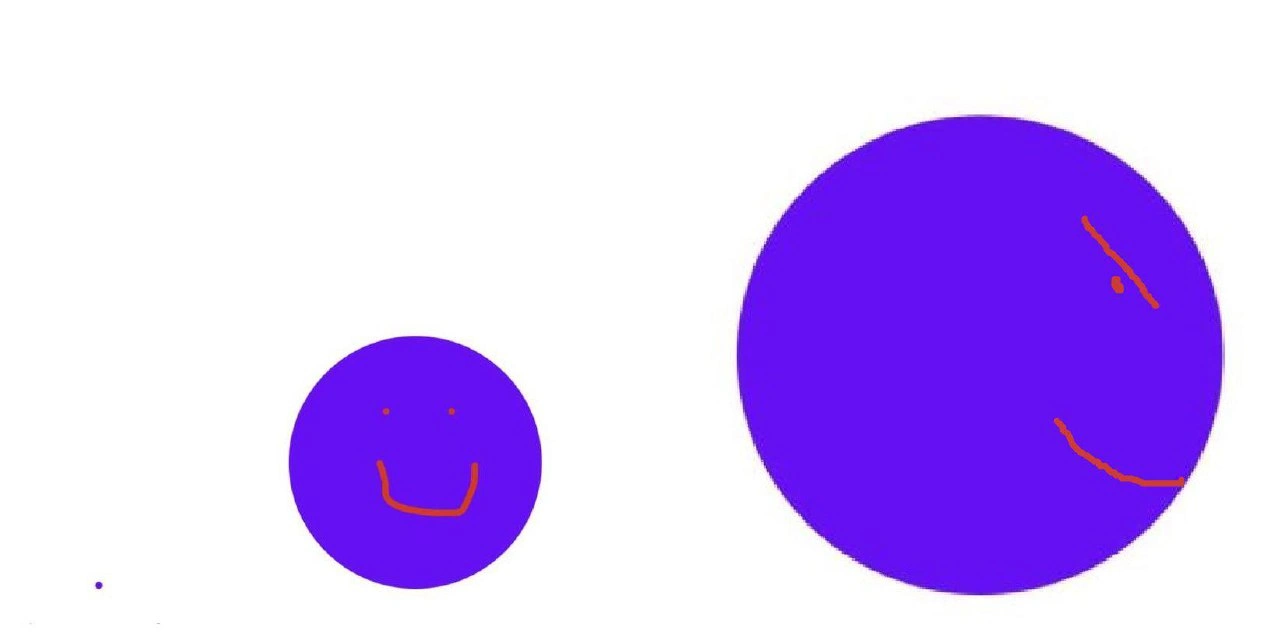
Imagine you have a really small job to do, like hanging a little picture on the wall with a tiny nail. But instead of a normal hammer, you bring in a giant hammer – the kind used for big construction. It’s overkill, right? In fact, the hammer is so huge that it completely overshadows the tiny nail; you can barely even see that nail anymore! This picture is funny for the same reason: the small purple dot is like that little nail (the small job), and the enormous purple circle is the giant tool (the huge set of helpers) brought in to do the job. It’s an over-the-top mismatch. The joke is showing how silly it looks when something very simple and small is accompanied by something massive and complicated. Even if you don’t know about coding, you can laugh because it’s like using a whole elephant to carry one little mouse – completely out of proportion and totally funny to see!
Level 2: The Not-So-Micro Service
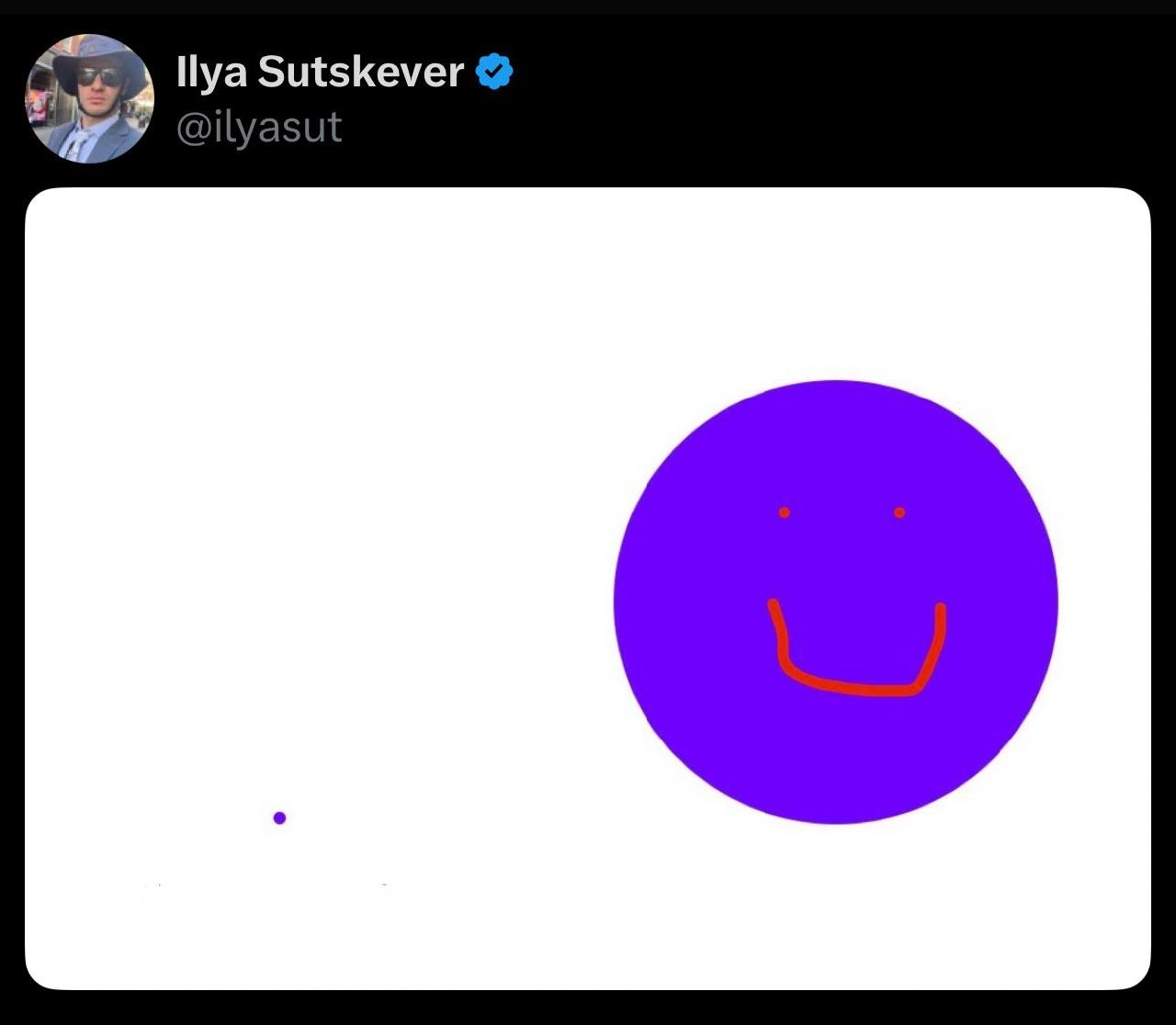
If you’re a newer developer, here’s what’s happening: microservices are supposed to be small applications that do one specific thing well. In theory, that means the amount of code for a microservice’s core job (its business logic) is tiny. In the image, the tiny purple dot on the far left represents that core logic – maybe just a few lines or a single function doing the real work. The small purple circle with a smiley face next to it stands for the microservice itself – basically your code that wraps around the logic to make it a running service (things like setting up a web server, endpoints, config, etc.). Now, the joke is that the huge purple circle on the right (with the lopsided grin) is the **node_modules** folder – the directory where all your installed npm packages (external libraries) live – and it’s absolutely colossal compared to your own code.
In Node.js (and JavaScript in general), developers rely a lot on open-source packages via npm (Node Package Manager). For example, if you want to add logging, you might install a package. Need to make an HTTP call? Install another package. Over time, each npm install brings in not just that one library but also all the transitive dependencies (libraries that your chosen library itself depends on). That’s why something seemingly small can balloon into hundreds of files. It’s common to see a project where the custom code is maybe a few hundred lines, but the node_modules folder contains tens of thousands of lines of code from dozens of packages. This situation is often jokingly called “dependency hell” – managing so many dependencies (and their version conflicts or updates) becomes a headache. It’s also related to TechnicalDebt: every extra package is something you have to keep updated and compatible, which can cause trouble later if ignored.
Let’s break down a simple scenario: imagine you write a tiny Node.js service to return today’s date from a database. Your own code might include a few lines to query the DB and format the date. But you might use Express (a popular web framework) to handle HTTP requests, plus a date library to format dates nicely. So you add these via npm. Your code stays small, but now node_modules includes Express and all of Express’s friends (it depends on other packages like body-parser, cookie parser, etc.), plus the date library and its dependencies. Suddenly, a folder that didn’t exist moments ago is now huge. The visual joke is that the microservice which was supposed to be lightweight is carrying a whole lot of extra weight in the form of those packages.
For a junior dev, it’s an eye-opener: the CodeQuality of your service isn’t just about the code you wrote, but also about the quality and quantity of external code you pulled in. More dependencies can mean more chances for bugs or security issues (if one of those many packages has a flaw). It can also slow things down – for example, deploying or loading the app might take longer because it has to process so many files. This meme’s exaggerated circles capture that common first experience: “I wrote a tiny app, so why is the folder with libraries so huge?” It’s funny because it’s true – even a “Hello World” Node app can come with a mountain of support code. The lesson: every time you run npm install, you might be adding more to your project than you expect.
Level 3: Monstrous Modules vs Micro Logic
In a modern Node.js microservice architecture, it’s disturbingly common that the code you write (the actual business logic) is a tiny fraction of the total code deployed. This meme exaggerates that reality: your microservice’s own codebase might be a puny speck compared to the gargantuan mass of node_modules it pulls in. The humor lands because senior devs have all seen a “lightweight” service dragging a whole planet of dependencies behind it. It’s the architectural irony of our time — we preach small, single-purpose services, yet each service carries an elephantine baggage of frameworks and libraries.
Think of a simple Express.js server: maybe ~100 lines of JavaScript to handle a couple of routes (the minuscule dot on the left). On top of that, you add a bit of boilerplate — perhaps some config, logging, an app.js (the small smiling circle in the middle). But then you run npm install express (and maybe a few other libraries) and suddenly you’ve imported a galaxy of transitive dependencies (the enormous purple circle on the right). Your one-liner require('express') pulled in dozens of packages: routing, middleware, templating, even left-pad if you’re unlucky. Now your business logic is completely eclipsed by megabytes of other people’s code. So much for being lightweight!
Why is this so funny (or painful) to experienced devs? Because it’s DependencyHell in a nutshell: you resolve one small problem by adding a library, which itself adds ten more. That innocuous npm install often introduces an entire dependency tree, turning your microservice into a matryoshka doll of packages. We end up with TechnicalDebt and maintenance nightmares — upgrading one library can break 5 others. Security vulnerability in a deep dependency? Good luck finding which of the 312 packages in node_modules pulled it in. Everyone’s had that “oh no” moment running npm audit only to see critical alerts in packages you didn’t even know you had. It’s both comical and concerning that a few lines of business logic rely on an unwieldy supply chain of code maintained by random GitHub strangers.
There’s an unspoken industry pattern here: the culture of micro-packages and code reuse has led to OverEngineering by accretion. Why write a utility function yourself when an npm package offers it? – said every developer, collectively spawning an ecosystem where even trivial tasks have dedicated packages. Over time, these habits snowball. We proudly split a system into microservices for simplicity, yet each service carts around a monolithic dependency bundle. The result is a kind of supply_chain_bloat: small apps with outsized footprints. Fixing it isn’t easy; writing everything from scratch isn’t realistic, and trimming dependencies risks breaking things. It’s a trade-off we begrudgingly accept for speed of development. As the meme portrays, the micro part of your service can barely be seen next to the macro size of node_modules. It’s a tongue-in-cheek reminder that sometimes our “modern, elegant” architectures are, under the hood, just as bloated as the old monoliths we replaced.
# Real-world illustration of the disparity
$ wc -l main_service.js
42 main_service.js
$ du -sh node_modules/
185M node_modules/
// 42 lines of original code vs 185 MB of third-party code. The microservice’s own logic is a drop in a very large bucket!
Description
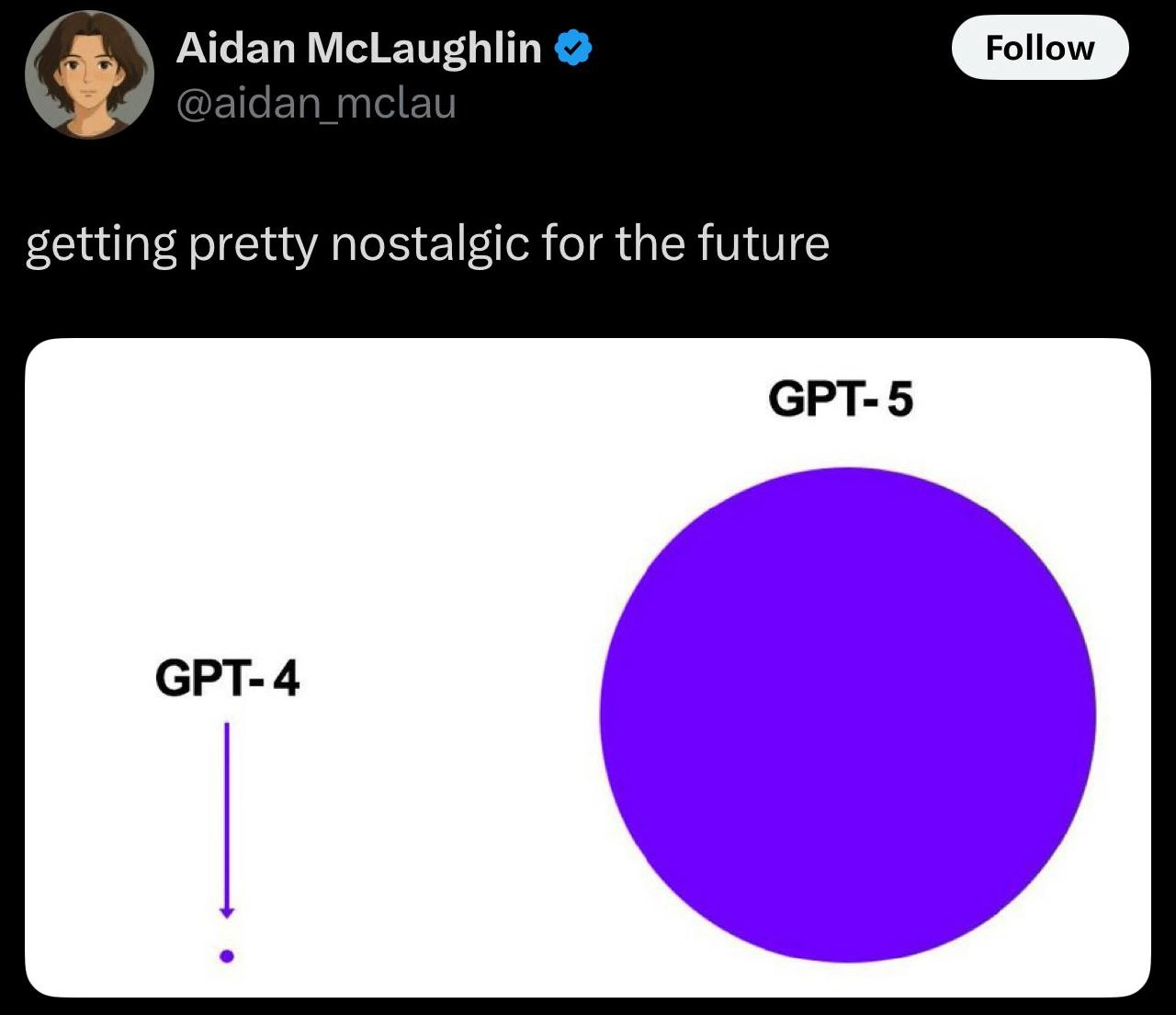
A simple, crudely drawn image on a white background illustrating a three-stage progression of AI capabilities. On the far left is a tiny purple dot. In the middle is a larger purple circle with a simple red smiley face. On the far right is a significantly larger purple circle with a winking, smiling face, also drawn in red. This visual serves as a powerful metaphor for the exponential growth and increasing sophistication of artificial intelligence. It's often interpreted as representing the jump from an early model (the dot, perhaps GPT-3), to a more capable current model (the smiling circle, like GPT-4), and finally to a vastly more powerful and knowledgeable future AI (the winking giant, representing GPT-5 or AGI). The change in expression from a simple smile to a wink implies not just an increase in scale, but in intelligence, awareness, or even a sense of humor
Comments
7Comment deleted
The first dot is an AI that can write 'Hello, World!'. The second is an AI that can pass a coding interview. The third, winking one is the AI that wrote the coding interview question and is subtly amused you got it wrong
The dot is your 12-line Lambda, the moon is what showed up when you typed ‘npm i left-pad’
It started as a one-line fix in a utility function. Three sprints later, we're refactoring the entire microservices architecture and explaining to the board why our Kubernetes costs tripled. The junior dev still insists it's 'almost done.'
When your O(1) lookup is living its best life while your O(n) scan is having an existential crisis about dataset growth - a visual reminder that the difference between 'instant' and 'eventually' is just one innocent-looking for-loop away from production meltdown
That one-line change was a dot in dev, smiled in staging, and became a planet in prod requiring CAB approval, a kill-switch flag, and an SRE calculating blast radius
Small circle obeys YAGNI; big circle after the PM whispers 'just in case'
In our cluster the app asks for 70MB; the mesh, OTel, and security sidecars demand 1.5GB and three RBAC roles - the only “micro” in our microservice is the business logic