Skip to content
DevMeme
915 of 7435
First HTML Lesson to 'Wab Devoloper'
Juniors Post #1033, on Feb 20, 2020 in TG

First HTML Lesson to 'Wab Devoloper'

Why is this Juniors meme funny?

Level 1: Look, Mom, I’m a Developer!

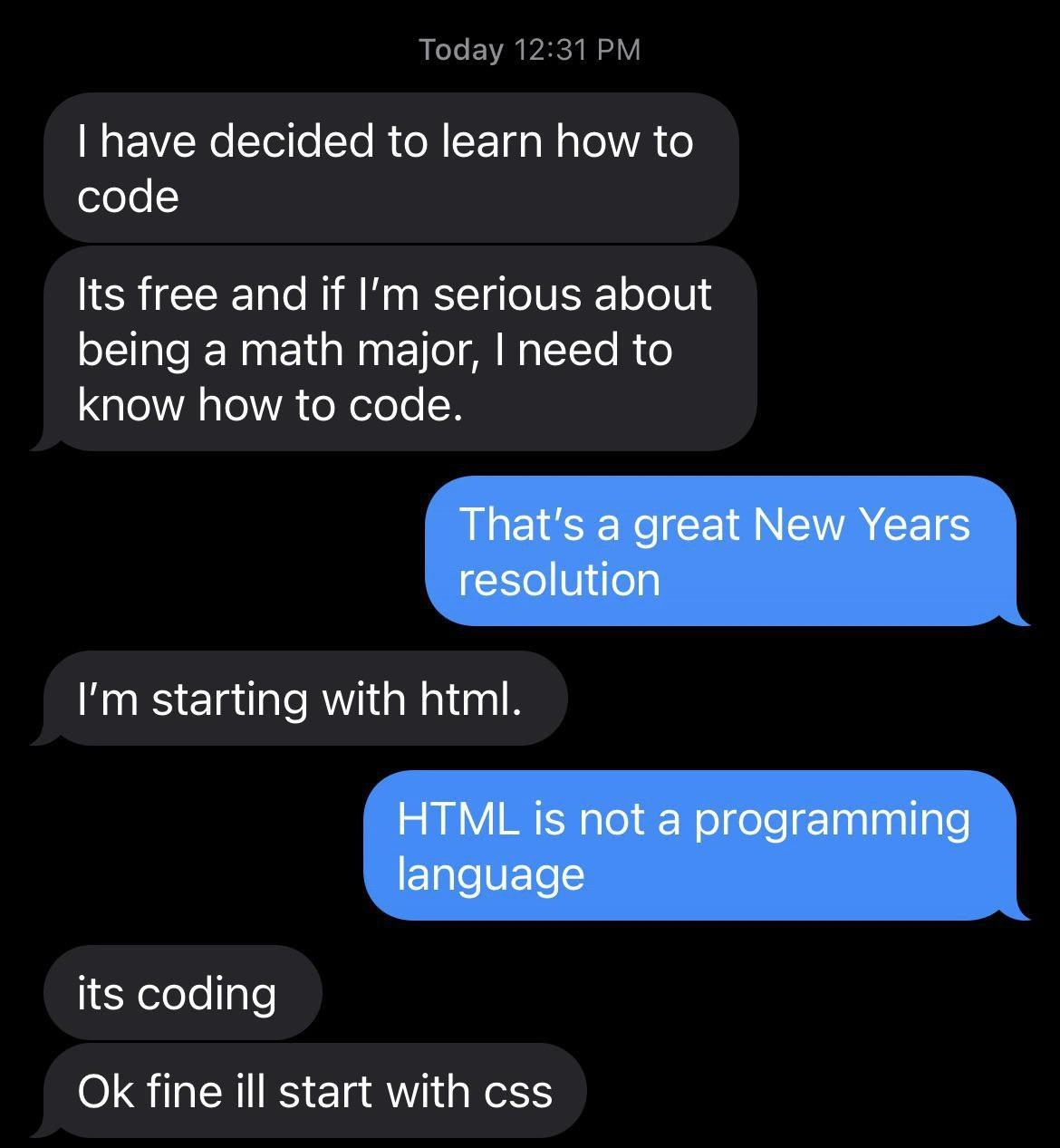
Imagine a little kid who just learned how to draw a simple stick figure and then runs around proudly saying, “I’m an artist now!” It’s cute because drawing one small picture is just the beginning of learning art. This meme is just like that, but with coding. The person did one very tiny thing to make a web page (they gave the page a title) and got super excited. They even accidentally called themselves a “wab developer” instead of “web developer,” kind of like a kid mispronouncing a big word. We find it funny because we know making a real website is much harder and has many steps – but the beginner doesn’t know that yet. It’s a joke about being really proud really early, like doing a small first step and already feeling like a master. Everyone smiles at that because it’s a playful reminder of how we all feel when we start learning something new: even a little success can feel huge.

Level 2: WAB Web Dev 101

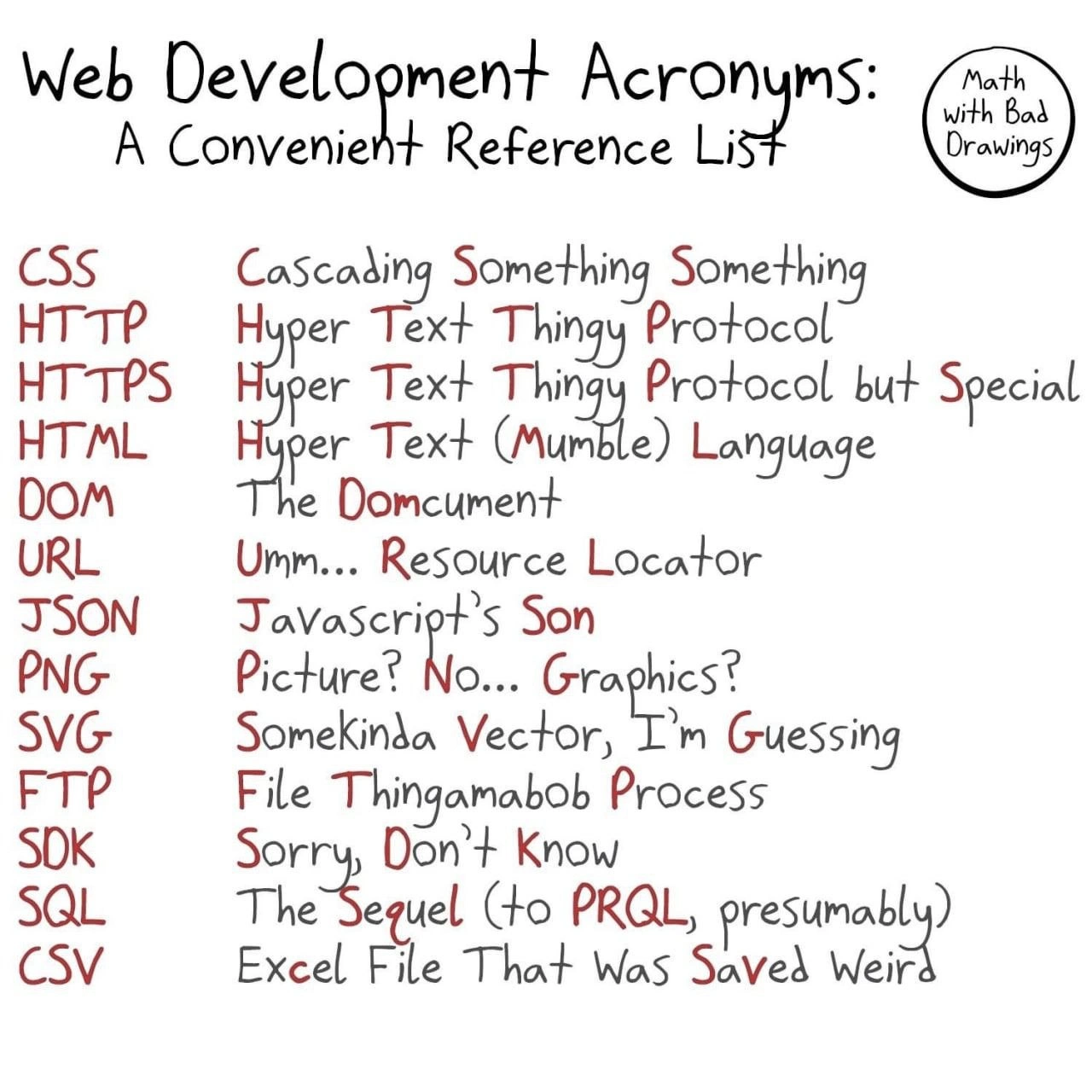
Let’s break down what’s happening in this meme in plain terms. The person in the image just had their first-ever HTML class and learned a bit of basic web page coding. HTML stands for HyperText Markup Language – it’s the standard language used to create the structure of web pages. You write HTML in files to tell web browsers things like, “This is a heading,” “Here’s a paragraph,” or “Display this image here.” HTML uses things called tags which are keywords in angle brackets (like <this>). Each tag usually comes in a pair: an opening tag <title> and a closing tag </title>, for example. These tags wrap around content to mark what role that content plays on the page.

In the meme, the proud student shows off a snippet of code: "<title> THIS IS MY WEBSITE </title>". This is the HTML <title> tag, and its job is to set the title of the webpage. Important detail: the title text doesn’t actually appear inside the page’s content; instead, it shows up in the browser tab or title bar. For instance, if you open a site and see text on the browser tab (or when you bookmark the page), that text usually comes from the <title> tag. So in our newbie’s code, they’ve effectively set the page’s title to “THIS IS MY WEBSITE.” It’s a common thing taught in the first lesson of web development: every HTML page has a <head> (for meta information like the title) and a <body> (for the visible page content). The teacher probably demonstrated how changing the title tag changes the text on the browser tab. Seeing that happen feels exciting when you’re new – like you’ve made a website because something you wrote in code is showing up in the browser!

Here’s roughly what the student’s HTML might look like:

<!DOCTYPE html>
<html>
<head>
  <title>THIS IS MY WEBSITE</title>
</head>
<body>
  <!-- Page content would go here, but it's likely empty for now -->
</body>
</html>

In a real webpage, whatever you put in the <body> would appear on the page itself. But if all they did was set the <title>, the actual page would be blank white when you open it – you’d only see “THIS IS MY WEBSITE” on the tab at the top of your browser. That’s it! So, the joke is that our beginner has accomplished only this small thing (naming their page) and hasn’t even added a visible message like “Hello world” in the body. Yet they’re so proud that they consider this single page with a title to be a full website. It’s like a first tiny victory in coding.

Now, what about the phrase “WAB DEVELOPER” in the image? That’s actually a misspelling of “Web Developer.” We can assume it’s a silly typo made on purpose. It emphasizes that this person is new – so new that when they brag “I’m a web developer,” they even spell it a bit wrong. It adds an extra layer of silliness: claiming the title of developer prematurely and not quite getting it right. In developer communities, especially those sharing FrontendHumor or CodingHumor, it’s common to playfully mock these little mistakes. Don’t worry, we’ve all misspelled things or had misconceptions when learning. “Wab developer” isn’t a real term; it’s just for laughs. The idea is that the student is trying to say “I’m a web developer!” but their newbie status is showing through that typo.

Let’s talk about the setup in the photo: The person is at a desk with dual monitors and a webcam on top of one. This looks like a serious programming workstation. Many actual programmers do use two (or more) monitors – for example, one screen to write code and another to preview the website or read documentation. The webcam suggests maybe they’re video-chatting or streaming, which some developers do for meetings or even to broadcast coding sessions. The humor here is that our brand-new coder is already imitating the typical “pro developer” look. In reality, after one lesson, you’d probably just be on a school computer or a single laptop screen with a basic text editor. But visually, the meme exaggerates it: the newbie set themselves up like they’re a seasoned software engineer working on the next big project. It’s part of the joke’s contrast – tiny knowledge, big swagger.

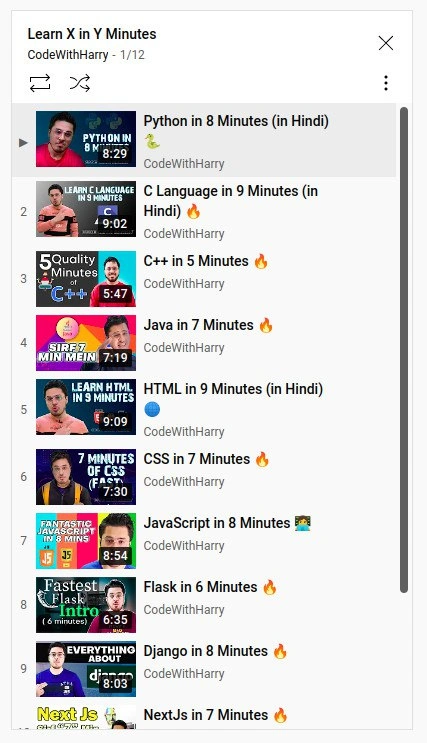
To put it plainly, this meme is highlighting the overconfidence of a beginner developer. After writing just a few lines of HTML, the student is running around proudly calling themselves a developer, as if they’ve mastered WebDevelopment. Of course, becoming a real web developer usually means learning much more: not just HTML, but also CSS (Cascading Style Sheets) for styling how the page looks (colors, layouts, fonts), and JavaScript for making the page interactive and dynamic. And that’s just the front-end side! Many web devs also learn about servers, databases, and other back-end technologies. But on day one, our excited student doesn’t know any of that yet. They’ve completed a small exercise – maybe creating a basic page titled “My Website” – and that success feels huge. It’s a fun and innocent mistake: equating a first step with the finish line. Every developer starts somewhere, and this meme playfully captures that moment when a newcomer’s LearningCurve is still at the very bottom, and their excitement is at the very top. We laugh because we recognize ourselves in that moment, and perhaps because we know what’s coming next for them (so much more to learn!). In short, the meme says: “I’ve typed one tag, so I must be an expert now, right? 😅” and everyone who’s been through it chuckles knowingly.

Level 3: One Tag Wonder

This meme spotlights a classic case of beginner’s overconfidence in the world of WebDev. After a single school lesson on HTML, our enthusiastic newbie writes a lone <title> tag and suddenly feels like a pro “wab developer.” Seasoned developers can’t help but grin here, because building a real website involves a lot more than one HTML element – but the beginner doesn’t know that yet. It’s humorous and endearing in equal measure: we’ve all seen juniors who, after making their first "Hello, world!" page, act like they’ve conquered front-end development. This mismatch between perceived skill and actual skill is at the heart of the joke.

From a senior perspective, the humor comes from experience. We know a web developer usually juggles HTML, CSS, and JavaScript, deals with browser quirks, debugging, frameworks, maybe even backend code – a far cry from just setting a page <title>. By contrast, our novice has learned one HTML tag and thinks, “I have a website, I’m basically a developer now!” 😄 It’s a gentle poke at the learning curve in tech. In fact, this scenario is a textbook example of the Dunning–Kruger effect: with just a little knowledge, the newbie is brimming with confidence (they don’t yet know what they don’t know). Every senior dev remembers that phase in their own journey – and how quickly that confidence gets humbled when you learn the next layer of complexity. The meme is essentially laughing at that “I’m an expert!” feeling we all had for a fleeting moment as juniors, before reality (and CSS positioning 😉) hit us.

The visual details amplify the joke. The top caption sets the scene: “ME AFTER STUDYING HTML IN SCHOOL FOR FIRST TIME,” followed by the code snippet "<title> THIS IS MY WEBSITE </title>". This implies the student’s entire proud creation is just defining an HTML title. The punchline comes in the image below: the individual at a dual-monitor workstation, with a webcam perched on one screen, and the bold label “WAB DEVELOPER” plastered across. Everything about that image screams “professional developer at work” – except the person’s head has been replaced by a smooth grey 3D mannequin face (a popular meme man image used to portray clueless confidence). It’s a hilarious contrast: high-end dev setup, serious expressionless “pro” face, yet the accomplishment is as basic as it gets. Even the term “WAB DEVELOPER” is a typo (likely intended, a play on spelling web wrong) that underscores their naiveté. It’s like they’re so eager to claim the title that they can’t even spell it correctly! For anyone in Frontend or DeveloperHumor circles, that typo is the cherry on top – a gentle roast of the overconfident beginner.

What makes this truly relatable is the Junior vs Senior dynamic. A junior might genuinely feel on top of the world after getting an <title> tag to work, proudly showing off “my first website!” Meanwhile, senior developers are chuckling because they know how much further there is to go – today it’s a title tag, tomorrow you discover divs, then CSS, then responsive design, APIs, frameworks, debugging... a never-ending mountain. Yet, there’s an affectionate undertone: we want newcomers to be excited. That raw enthusiasm (even if misplaced) is how we all started. In fact, many of us have memories of doing something similar – maybe adding a <marquee> or a goofy <blink> tag to a page in the 90s and feeling like a hacker genius. This meme taps into that shared nostalgia. We laugh with the newbie, because we remember being them. And perhaps we also laugh a bit at ourselves, recalling how quickly our “I am a coding god” moment turned into “uh oh, why doesn’t my CSS work in Internet Explorer?”

In essence, the meme humorously reminds us of the gulf between learning a thing and mastering the craft. It’s a rite of passage in programming: the moment you think you’ve got it all figured out, right before you realize you’ve only dipped a toe in the ocean. WebDevelopment is a vast field, and calling yourself a developer after one lesson is like claiming to be an author after writing a single sentence. Every experienced dev has seen that eager beginner – some of us were that eager beginner – and that’s why “WAB DEVELOPER” makes us smirk. It’s the innocent overconfidence that only a first-time coder can have, and it’s both funny and oddly heartwarming to witness.

Description

This is a 'Meme Man' or 'Stonks' meme. It features the signature surreal, poorly-rendered 3D head of Meme Man photoshopped onto the body of a person sitting at a desk with two monitors displaying code. The top text reads, 'ME AFTER STUDYING HTML IN SCHOOL FOR FIRST TIME', followed by a line of code: '<title> THIS IS MY WEBSITE </title>'. Across the bottom of the image, in orange, blocky text, are the intentionally misspelled words 'WAB DEVOLOPER'. The humor comes from the inflated sense of expertise and professional identity a beginner feels after learning the most basic of web technologies. The simple act of creating an HTML title tag is presented as the pinnacle of achievement, instantly transforming the student into a 'wab devoloper'. The intentional misspellings are a key part of the Meme Man format, used to satirize and mock a naive or ignorant perspective
Comments

7
Anonymous ★ Top Pick The confidence of a junior who just centered a div for the first time is the only force in the universe stronger than npm's gravity on your node_modules folder
  1. Anonymous ★ Top Pick

    The confidence of a junior who just centered a div for the first time is the only force in the universe stronger than npm's gravity on your node_modules folder

  2. Anonymous

    I miss when being a “wab developer” just meant closing the <title> tag - before I learned modern web dev is 90% convincing fifteen layers of cache, CI, and compliance to serve the same three lines of HTML

  3. Anonymous

    Twenty years later, you're explaining to the CEO why the company's entire authentication system is built around a regex that validates email addresses based on what looked right in 2003, and the junior who just learned React is asking why we can't just "modernize the whole stack over the weekend."

  4. Anonymous

    Ah yes, the classic Dunning-Kruger peak: that magical moment when you've just learned the <title> tag and suddenly your LinkedIn says 'Senior Full-Stack Architect.' Give it six months - once they discover the CSS box model, JavaScript's 'this' keyword, and the browser compatibility matrix, they'll be back at the valley of despair where they belong, questioning every life choice that led them to web development

  5. Anonymous

    Still the most reliable stack I’ve shipped: index.html with a <title> - no build, no hydration bugs, no CVEs; deploy is rsync and SLOs magically 100%

  6. Anonymous

    Ah, the <title> tag era: where one semester turns you into a 'web dev' faster than npm installs a monorepo's dependencies

  7. Anonymous

    That “wab developer” confidence: <title>MY WEBSITE</title>; then prod teaches you the real site is DNS, TLS, CSP/CORS, CDN, WAF, SSO and cache invalidation - the HTML is just the garnish

Use J and K for navigation