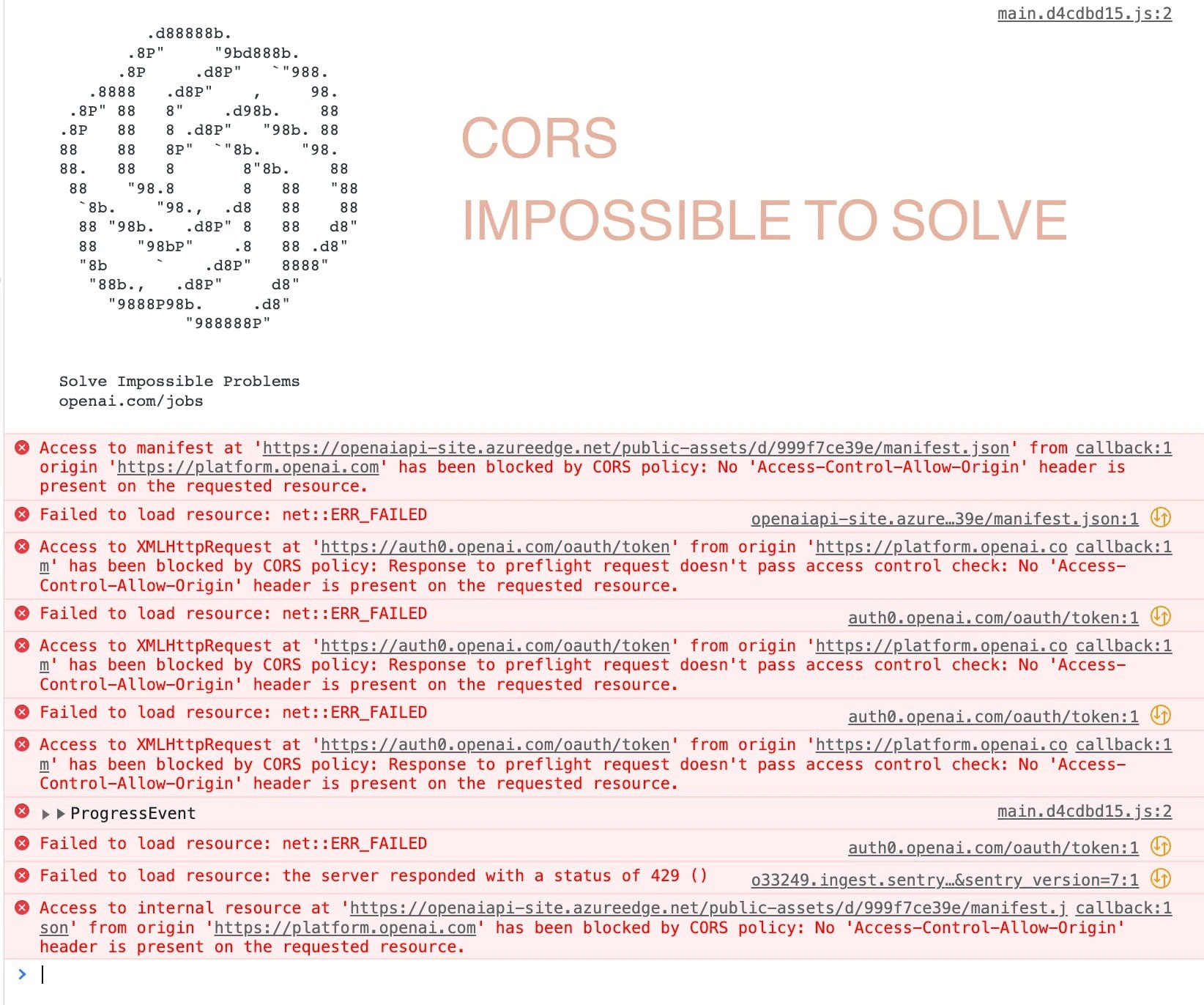
Browser CORS Policy vs. Developer Reality
Why is this WebDev meme funny?
Level 1: A Friendly Shortcut
Imagine you’re in a school where a strict teacher won’t let you directly borrow a book from a nearby classroom because “that’s against the rules!” The teacher is like the web browser – very strict about rules to keep everyone safe. Now picture a clever student (the developer) who really needs that book from the other class. Instead of arguing with the teacher, the student asks a friend who already has access to that other classroom to help. The friend walks into the other class, gets the book, and then hands it to the student inside their own classroom. To the strict teacher, it looks like the book came from a friend in the same class, so no rules are broken, and the teacher doesn’t object.
In this story, the teacher yelling “No, you can’t just go to that other class!” is just like the browser shouting “You can’t just connect to a cross-origin API, that’s not secure!” The clever student’s trick — asking a trusted friend to bring the book — is like using a reverse proxy. It’s a sneaky little shortcut: you still get what you need from the outside, but you do it through someone the teacher (browser) is okay with. The result? The rule stays “technically” unbroken, everyone is safe, and the smart student just smiles because they got the book after all. The meme is funny because the teacher is panicking about the rules, while the student calmly solves the problem in an indirect but effective way. It’s like saying, “If a direct path is blocked, find a friendly workaround!”
Level 2: Cross-Origin 101
Let’s break down what’s happening in simpler technical terms. The drama here is all about CORS, which stands for Cross-Origin Resource Sharing. To understand that, first we need to know what an “origin” is in the web context. In web security, an origin is basically defined by a website’s scheme (http/https), hostname (like example.com), and port (like 80, 443, or 3000, etc.). The Same-Origin Policy is a built-in browser security rule that says: “Web pages can freely load resources (like AJAX calls, fetch requests) only from the same origin they came from. If they try to access a different origin, that’s not allowed unless explicitly permitted.” So if your JavaScript running on https://myapp.com tries to fetch data from https://api.anotherdomain.com, the browser sees two different origins (myapp.com vs anotherdomain.com) and by default will block the request. This is a core part of BrowserSecurity designed to prevent malicious sites from reading sensitive information from other sites without permission.
However, what if the API you’re trying to reach is actually safe and intended to be used? That’s where CORS comes in. CORS is a system of headers that a server can send to tell the browser “Hey, it’s okay, I know that website, I allow it to request data from me.” For example, if api.anotherdomain.com includes a header like Access-Control-Allow-Origin: https://myapp.com (or a wildcard * to allow all), then the browser will say, “Alright, the other domain explicitly allows this, so I’ll let the response through.” If that header (and a couple of related ones) aren’t present, the browser will deny the request from your front-end, even if the network call succeeded. In practice, as a developer you might see an error in the browser console like:
Blocked by CORS policy: No "Access-Control-Allow-Origin" header present on the requested resource.
This is basically what the left side of the meme is screaming about. The browser (depicted with the Chrome logo) is upset because it thinks your front-end JavaScript is trying to do something potentially unsafe – contacting a cross_origin_api_calls that hasn’t said “it’s okay.” This can be really frustrating when you’re first learning WebDevelopment or working with API integrations. Your code might be correct in all other ways, but the browser just refuses to give you the data because of these rules.
Now, what’s the solution our calm “Chad” developer on the right is suggesting? He’s saying: use a reverse proxy. A reverse proxy is like a middleman server that sits between your front-end and the actual API you want to call. Instead of your browser directly calling api.anotherdomain.com, your browser will call your own server (which is on the same origin as far as the browser is concerned), and then that server will forward the request to the real API behind the scenes. From the browser’s perspective, it’s no longer a “cross-origin” request – it’s talking to the same origin (your server) that served the web page. The browser is happy because it doesn’t violate the Same-Origin Policy anymore. Meanwhile, your server is free to fetch data from anywhere on the internet (servers don’t have the same origin restriction). The server then passes the data back to the browser.
Think of it like this in steps:
- Browser Request: The front-end code requests something like
GET /api/datafrom your own domain (saymyapp.com). For example, your single-page app might callhttps://myapp.com/api/datainstead of going directly tohttps://api.anotherdomain.com/data. - Reverse Proxy Forwarding: Your server (or a dedicated proxy service) has a rule that says anything that comes to the
/apipath should be forwarded to the real external API endpoint. So the server now makes a request tohttps://api.anotherdomain.com/dataon behalf of the browser. - External API Response: The external API (
anotherdomain.com) sees a normal server-to-server request, and it returns the data. It might not even know this was triggered by a browser originally, it just sees your server as the client. - Proxy Response to Browser: Your server takes that response from the external API and sends it back to the browser as if it originated from
myapp.com. To the browser, it now looks likemyapp.comsent the data (so no CORS issues, since it’s same-origin).
By doing this, the developer bypasses the CORS restriction without needing the external API to change anything. This is especially useful if you can’t modify the API’s headers (for instance, if it’s a third-party service that doesn’t allow cross-origin calls). It’s a very common cors_workaround in development environments. In fact, many front-end development servers (like webpack-dev-server or create-react-app’s dev server) have an option to proxy API calls for this exact reason. Similarly, in production, teams might set up an Nginx reverse proxy or use cloud proxies so that the web app and API appear under one roof.
Let’s clarify the key terms in the meme:
- Cross-Origin: This just means “different website or domain.” If you’re on one origin and you try to talk to another, that’s a cross-origin request. Browsers will normally block these requests for security unless allowed via CORS.
- Same-Origin Policy: The browser rule that blocks cross-origin interactions by default. It’s like a security gate that says “Only talk to the exact place you came from, unless you have a pass.”
- CORS (Cross-Origin Resource Sharing): That “pass” or permission system – a set of HTTP headers that the server can provide to let the browser know it’s okay to allow the cross-origin request. If the server doesn’t provide the right CORS headers, the browser will enforce the block.
- Reverse Proxy: A server that you send your request to, which then sends it to the actual destination. It reverses the typical flow (normally, clients go directly to servers; here, client goes to a proxy server first). By doing so, it can make the request appear as if it’s coming from a different location. In our case, it makes a cross-origin request appear like a same-origin one.
So in the meme, the Chrome/browser character is basically enforcing web security (he’s not wrong – randomly connecting to a cross-site API could be risky). But the developer character just uses a clever engineering trick to get around it. This highlights a common mindset in programming: if a direct approach is blocked, we often add an indirect layer (like a proxy) to solve the problem. It’s like adding another step in the dance to get around a strict rule. The humor comes from how the developer’s solution, though simple for an experienced dev, feels like a “big brain” hack that completely sidesteps the browser’s loud complaints. And the phrase “go brrr” just adds a playful DeveloperHumor flavor, implying the proxy will dutifully and noisily do its job while the browser’s concerns fade into the background noise.
Level 3: Same-Origin Showdown
In this meme’s classic Soyjak vs. Chad format, a frantic Google Chrome-faced character on the left embodies the browser’s strict security stance, and the chill Chad on the right represents a developer who knows a handy workaround. The left side (Chrome Soyjak) is essentially screaming the browser’s Same-Origin Policy error: “NOOO!!! YOU CAN’T JUST CONNECT TO A CROSS-ORIGIN API!!! THAT’S NOT SECURE!!!” This over-the-top cry is a nod to how web browsers enforce Cross-Origin Resource Sharing (CORS) rules. In real life, when your front-end code tries to call an API on a different domain (cross-origin) without proper permission, the browser blocks it and throws a scary error about “not allowed” or “not secure.” Seasoned web developers have seen this CORS error pop up in the console and cause headaches during development. It’s practically a rite of passage in WebDevelopment and WebSecurity: you’re building an API integration, everything works on your local machine, then suddenly the browser says “Nope, I refuse to fetch that data from api.somewhere-else.com because of security.” The meme exaggerates this with the panicked Soyjak, tears and all, echoing the browser’s frustration when a script breaks the rules of the same_origin_policy.
On the right, we’ve got the confident Chad developer retorting with a deadpan one-liner: “haha reverse proxy go brrrr.” This is developer humor at its finest. The Chad character isn’t even fazed by the browser’s screaming — he has a straightforward solution that makes the problem disappear, almost magically. The phrase “go brrr” is meme-slang for “just does its thing, quickly and effortlessly.” It originated from the “money printer go brrr” meme, implying you can solve a complex problem by simply running some machine (or in this case, some server trick) and ignoring the fuss. Here, “reverse proxy go brrr” means the developer will just slap a reverse_proxy in front of the API and call it a day. It’s a tongue-in-cheek way of saying, “I’ll use an infrastructure trick to get around your pesky browser rules, and it’ll work flawlessly.”
Why is this so funny (and relatable) to developers? It pokes fun at the cat-and-mouse game between BrowserSecurity measures and developers’ need to get stuff done. The Same-Origin Policy is there for very good reasons (protecting users from malicious cross-site requests), but it can feel like the browser is throwing a tantrum (“that’s not secure!”) over something you, the developer, know is safe in context. Maybe you’re just calling your own API on a different domain or port. Nevertheless, the browser doesn’t trust you until the proper CORS headers are set. It’s like the browser is an overzealous security guard refusing to let you through. Experienced devs have a toolbox of solutions for this scenario, and a reverse proxy is one of the most common and Chad-like answers: instead of trying to fight the browser or disable security (never do that in production!), you sidestep the entire issue. You route your API requests through a server under your control that is on the same origin as the frontend. To the browser, it now looks like you’re fetching data from your own domain, so it happily complies.
This meme nails a key insight: in practice, infrastructure beats policy. The Chad dev’s smug “haha” captures that feeling of empowerment when you realize you can solve the CORS block by adding a few lines of config. Seasoned developers chuckle because they’ve been there — instead of panicking for long, they set up an Nginx rule or tweak their dev server and poof, the CORS drama vanishes. It’s a form of cors_workaround that’s so common it’s almost a running joke. In web projects, how many times have teams thrown up a quick proxy in webpack-dev-server or used an API gateway just to appease the browser? Countless times. The meme’s extreme contrast (crying soyjak vs. unfazed chad) is a humorous exaggeration of the junior-vs-senior mindset: a newbie might be freaking out at the cryptic error message, whereas a senior dev just smirks and says “Relax, we’ll route it through our server, problem solved.”
There’s also an ironic Security aspect that senior engineers appreciate. The browser is yelling “That’s not secure!!!” because, indeed, blindly allowing any cross-site request could be a security risk (exposing user data from one site to another). But the reverse proxy solution essentially tricks the browser by making the cross-origin call indirect. It’s as if the developer is saying: “If you won’t let me do it openly, I’ll just do it behind your back via my own server.” 😈 It highlights a truth: CORS is a client-side policy, not a fundamental network rule. On the server side, you can call whatever API you want; there’s no same-origin restriction on HTTP calls originating from a server. So the Chad dev is cleverly leveraging that freedom. Senior devs know this is usually fine if you control both the front-end and back-end – you’re not actually violating security; you’re just doing the paperwork (i.e., moving the request to a place the browser trusts). But it’s still funny because it feels like “hacking” your own system to satisfy a bureaucratic rule. The humor also comes from recognition: many official solutions and architectures boil down to this idea. API gateways, backend-for-frontend (BFF) designs, even cloud functions acting as proxies – they all go brrr to make CORS issues go away. In essence, the meme is a lighthearted jab at how a WebDev inconvenience (CORS errors) is often solved with an infrastructure tweak rather than something elegant in the browser. The Chad dev isn’t interested in the browser’s lecture on security; he just fixes the problem pragmatically.
Description
This is a 'haha X go brrr' Wojak comic meme format comparing browser security to a common developer workaround. On the left, a crying, angry Wojak character, representing the Google Chrome browser, yells, 'NOOOOOOOOOO!!!! YOU CAN'T JUST CONNECT TO A CROSS ORIGIN API!!! THAT'S NOT SECURE!!!!'. On the right, a calm, smug, older Wojak character representing an experienced developer replies, 'haha reverse proxy go brrrr'. The meme humorously contrasts the browser's strict enforcement of the Same-Origin Policy (forbidding frontend JavaScript from calling APIs on different domains for security reasons) with the pragmatic server-side solution developers use. A reverse proxy routes the request through the backend, making it appear to the browser as a same-origin request, effectively bypassing the CORS issue altogether
Comments
7Comment deleted
CORS is the browser's strict bouncer. A reverse proxy is the backend developer who owns the club and just waves you in through the VIP entrance
Chrome: “Blocked by CORS!” - senior dev adds one Nginx location block and whispers, “Nothing like fixing web security with a well-placed layer-7 lie.”
After 15 years of explaining to product managers why their "simple API call" needs three meetings with security, you realize CORS is just the browser's way of making you bill more hours for nginx config
The beauty of experience: juniors see CORS errors as existential security crises requiring OAuth2, JWT tokens, and a PhD in cryptography. Seniors just spin up nginx with `proxy_pass` and call it a day. Both solutions work, but only one requires explaining to stakeholders why the 'simple API call' needs three weeks and a microservices architecture. The reverse proxy doesn't just solve CORS - it solves meetings
Same-Origin Policy: “hard no.” Senior dev: “We’ll change the origin” - drop a reverse proxy/BFF, rewrite Host and Origin, and quietly move the trust boundary into nginx.conf while the OPTIONS preflight disappears in the logs
Compliance via topology: change the origin string, declare victory, and hope the auditor doesn't read the preflight
CORS: browser's ironclad security theater, effortlessly bypassed by a reverse proxy - because prod origins are for amateurs