Arch Linux desktop flex: neofetch, icon dock, and themed KDE login screen
Why is this OperatingSystems meme funny?
Level 1: Decorating Your Computer
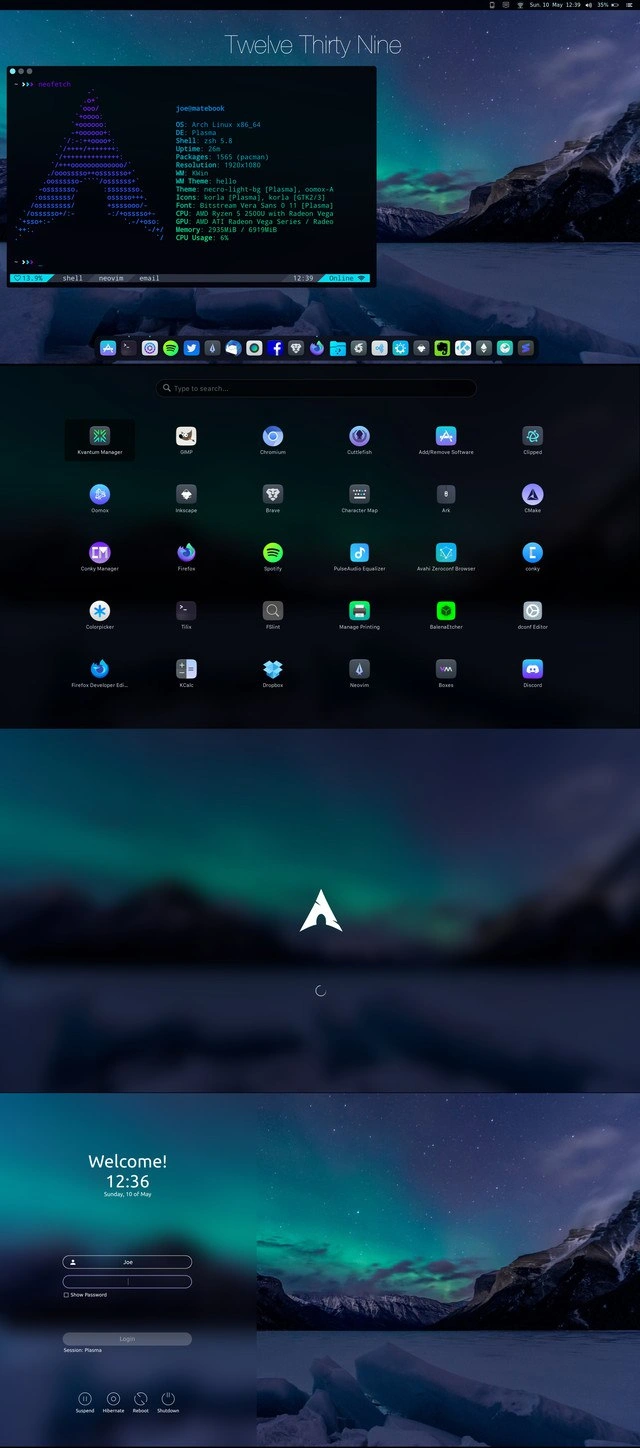
Imagine you have a plain toy or a plain room, and you decide to decorate it exactly the way you love. You pick your favorite colors for the walls, put up cool posters, add fancy lights, and arrange everything just right. Then you call your friends over and say, “Look how awesome I made this!” This meme is like that, but with a computer. The person took a normal computer screen and dressed it up with all their favorite “clothes” – a special background picture of a glowing sky, colorful icons lined up neatly like toys on a shelf, and even a fun welcome sign when you turn it on. They even made the text window (where you type commands) show a big logo and cool info, kind of like showing a trophy. It’s funny because it’s a way for computer enthusiasts to show off their style and how much they’ve personalized their machine. Just like a kid proudly showing their newly decorated room or a bike with new stickers, this person is proud and saying, “See what I did with my Linux computer? Isn’t it cool?!”
Level 2: Tricked-Out Linux Desktop
Let’s break down what’s happening for those newer to the Linux scene. This image is a showcase of a Linux workstation that has been heavily customized for looks and style. The operating system is Arch Linux, which is a popular LinuxDistribution known for its minimalist approach – you install only what you need, and configure everything yourself. Because Arch doesn’t come pre-packaged with a lot of fluff, it’s a favorite for tinkerers who want full control. That control extends to visuals, and that’s where ricing comes in. Ricing means customizing your desktop’s appearance extensively (the term is slang borrowed from car enthusiasts who “soup up” their cars with fancy mods). An Arch user often takes pride in this, because setting up Arch and making it pretty requires learning and effort. It’s very much a power user’s playground.
Now, what do we see in the screenshot sequence? In the first panel, there’s a terminal window open with the command neofetch having been run. Neofetch is a CLI (Command Line Interface) tool that prints out your system information alongside an ASCII art logo of your OS. Here it drew the big Arch Linux logo in ASCII art (purple-blue colored in text form) and listed specs: the OS version, desktop environment, shell, uptime, screen resolution, themes, icon sets, CPU, GPU, RAM usage, etc. Basically, it’s a quick profile of the computer’s hardware and software setup. People often post their neofetch output to show “Look, I’m running Arch and here’s how I’ve set it up.” It’s like a calling card for your tech stack and theme. Seeing neofetch_ascii_art of the Arch logo instantly tells other Linux folks: “Yep, this person is using Arch Linux and knows their way around the terminal.”
Beneath that, on the desktop wallpaper (which shows a beautiful aurora_wallpaper over icy mountains), there’s a Mac-style icon dock. This is a row of app icons (Terminal, VS Code, Spotify, Firefox, Discord, etc.) similar to the app dock on macOS. Linux desktops can mimic this using dock software (in KDE Plasma, something like Latte Dock). It’s both functional and aesthetic – giving quick launch icons with a sleek look. The presence of certain icons (VS Code for coding, multiple web browsers like Firefox/Chromium, Spotify for music while coding, Discord for chat) shows this is a developer’s machine set up for work and play. The top center of the screen shows a fancy digital clock reading “Twelve Thirty Nine”, which is part of the desktop widgets – a stylistic choice rather than a plain system clock. All these indicate the user has put effort into theming (fonts, colors, layouts).
In the second panel, when they open the applications menu, instead of a boring list, we see a grid of ~40 icons on a translucent background. This is the application launcher in KDE Plasma (the desktop environment). KDE Plasma is known for being highly customizable (you can change almost anything – themes, window styles, icons, fonts). The user has a custom Plasma theme called “Nord-light-8b” (Nord is a popular color theme inspired by northern lights, explaining the bluish aurora color scheme everywhere). The icons are listed as “Arc” and “Tela” in the neofetch output – these are sets of icons that you can install to replace the default look of folders and apps. So they likely installed the Arc icon theme for Plasma and the Tela icon theme for GTK apps to make everything look consistent. The dark translucent launcher with a search bar (“Type to search…”) is very modern-looking – clearly not the default, but configured to match the rest of the desktop’s frosty aesthetic. We see icons for apps like Krita (digital painting), GIMP (image editing), Inkscape (vector graphics), Brave and Chromium (web browsers), Spotify, BalenaEtcher (a tool to make bootable USBs), Discord (chat), etc. This person has a lot of tools installed – possibly a creative developer who does coding, art, and general browsing. It’s basically showing “I have all these apps readily available in my polished setup”.
The third panel is a minimalist boot or loading screen. It shows just the Arch Linux logo in white on that blurred aurora background, with a spinning circle loader. This means they even themed their startup splash screen. Normally, many distros or OSes just show a logo or some text on boot. Here it’s customized to be clean and on-brand with the rest of the setup. This level of detail means the user likely edited their login manager or splash settings (for example, using a custom Plasma Splash theme). It’s subtle, but enthusiasts notice: even the boot sequence looks cool!
Finally, the fourth panel is the KDE Plasma login screen (also called the display manager or greeter). Instead of a plain login, it’s themed: on the left, there’s a friendly “Welcome! 12:36 Sunday, 10 of May” greeting with a modern font, and fields to enter username and password (the username “joe” is already there, waiting for a password). There’s a checkbox for “Show Password” and some power options (Suspend, Hibernate, Reboot, Shutdown) stylized as icons. On the right, the background continues the icy mountain wallpaper. KDE’s login screen can be customized with themes, and this user obviously applied an custom_login_screen theme that matches the overall arctic/Nordic vibe. Not many casual users bother skinning their login screen – this is hardcore ricer behavior!
For a newer developer or someone not deeply into Linux, here’s why this is significant: it demonstrates the extent of DevEnvironmentSetup possible on an open-source OS. In Windows or macOS, you have relatively limited theming options. But on Linux (especially Arch + KDE), you can alter almost every aspect of the look and feel. The CLI (command line interface) aspect, like running neofetch in the terminal, shows that this person is comfortable with text-based commands and proudly so. The GUI side (docks, launchers, login screens) shows they also invest time in the graphical polish. It’s all about personalization. This setup isn’t standard; it’s the result of installing packages, editing configuration files, and tweaking settings.
Key terms defined in this meme:
- Arch Linux: A lightweight, do-it-yourself Linux operating system. Users install everything from scratch and keep the system updated via the terminal using Arch’s package manager (
pacman). Known for its cutting-edge packages and the meme “I use Arch, btw” because of its hardcore reputation. - KDE Plasma: A popular desktop environment for Linux that provides the graphical interface. It’s highly customizable (themes, widgets, layouts) and is what you see providing the panels, application menu, and login screen here. “Plasma” is KDE’s current generation desktop.
- Neofetch: A command-line tool that displays system information alongside an ASCII logo of the distro. Often used to take screenshots of your desktop with a terminal open, as a way to show off your setup specs and OS. It’s pure eye-candy for terminal enthusiasts – the info it provides (OS name, uptime, RAM, etc.) isn’t unique, but it’s presented in a fun, shareable way.
- Ricing: Slang for visually customizing your tech environment to extreme levels. This includes applying themes, changing icon sets, tweaking fonts, and making your desktop look unique and fancy. Originally a term from car modding (“riced out” cars with flashy mods), in tech it’s all about aesthetic customization. If someone says they riced their desktop, it means it looks nothing like the default.
- CLI / Terminal: The text-based interface to interact with the computer by typing commands. The meme shows a terminal window (
>>>prompt likely indicates the user’s custom zsh prompt). CLI is favored by power users for flexibility and speed – plus it’s scriptable and often necessary for installing and configuring things on Arch. The TerminalLife tag suggests this user spends a good amount of time running commands rather than clicking menus.
All together, this meme’s image is practically a checklist of Linux power user bragging points:
- Running Arch Linux (not a beginner distro, implies expertise).
- Using the terminal (
zshshell andneofetchoutput on display). - A cohesive theme (Nord color scheme, custom icons, consistent look).
- KDE Plasma with lots of UI tweaking (clock widget, custom launcher, etc.).
- Even the boot and login sequences themed (rare level of detail).
It’s the kind of screenshot you’d see on a forum thread or subreddit where people share their DevEnvironmentSetup to inspire others or just show off. The humor for those in the know comes from the sheer dedication – it’s both admirable and a little over-the-top, which is exactly the point in ricing culture.
Level 3: I Use Arch, BTW
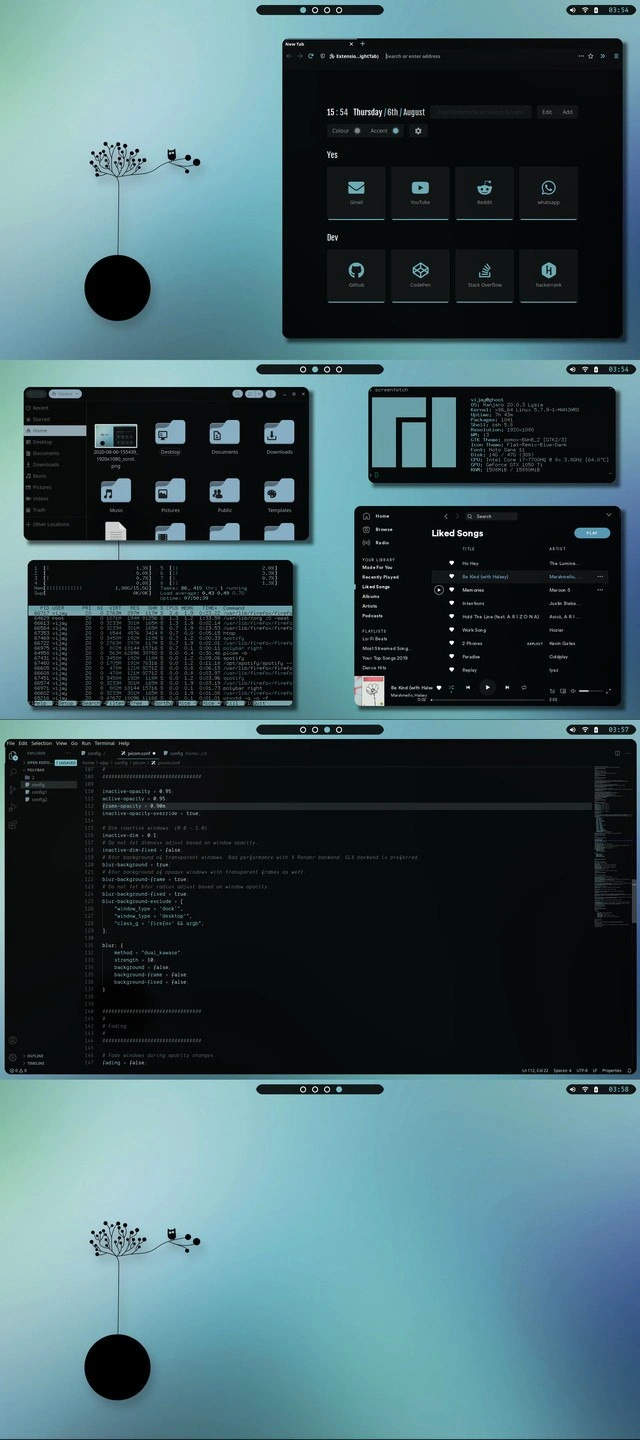
Look at this screenshot and you can practically hear a dev saying “Check out my setup, it’s Arch Linux – by the way.” This meme is a perfect storm of Linux customization flexing, known in the community as ricing. The term ricing (yes, like decking out a car with flashy mods) refers to tricking out your system’s appearance just for the sake of aesthetics and bragging rights. And here, the user has riced their Arch Linux desktop to the max. We have the whole works: a neofetch ASCII art of the Arch logo proudly displayed in the terminal, a fully thematically-cohesive KDE Plasma theme, a Mac-style icon dock setup, and even a custom login screen with a matching aurora wallpaper.
Why is this funny to seasoned devs? It’s poking fun at the LinuxCustomization culture where devs spend hours (or days) tweaking every visual detail of their environment. It’s both impressive and a little tongue-in-cheek. The humorous subtext is “I might have spent more time tuning my desktop’s Nord color scheme and translucent menus than actually coding.” Experienced developers know this vibe well: you get TerminalLife street cred for using Arch and doing everything via the CLI and config files. Arch Linux users are notorious (affectionately) for slipping “BTW, I use Arch” into conversations – it’s a running joke in the LinuxDistributions world about proudly announcing one’s elite choice of OS. So this image basically screams that phrase without needing words. The OperatingSystems bragging is real: Arch Linux is lightweight, DIY, and often finicky, so running it (especially with such polish) is a badge of honor in the community.
This meme hits on DeveloperExperience_DX too. It shows how some devs equate a personalized environment with identity and mastery. Every detail on display is deliberate: the zsh shell instead of default bash (because power users love its features and custom prompts), the presence of VS Code, multiple browsers, and terminal icons in the dock (signaling a developer’s toolkit), and system info like CPU/RAM usage (because hey, why not show off that you’re only at 2% CPU – so efficient!). Seasoned devs chuckle because they’ve either been this person in their younger days or know someone who has. It’s both aspirational and absurd: aspirational because it does look slick and reflects serious config skills, absurd because ultimately it’s just a fancy login screen and a pretty prompt – it doesn’t actually write code for you. There’s also an undercurrent of nostalgia: older devs remember Linux desktop theming battles from the past (Compiz cubes, anyone?), and this Arch rice is the modern continuation of that tradition. In essence, the meme humor is about recognizing the over-the-top dedication: it’s cool, it’s unnecessarily elaborate, and it’s so very developer.
Description
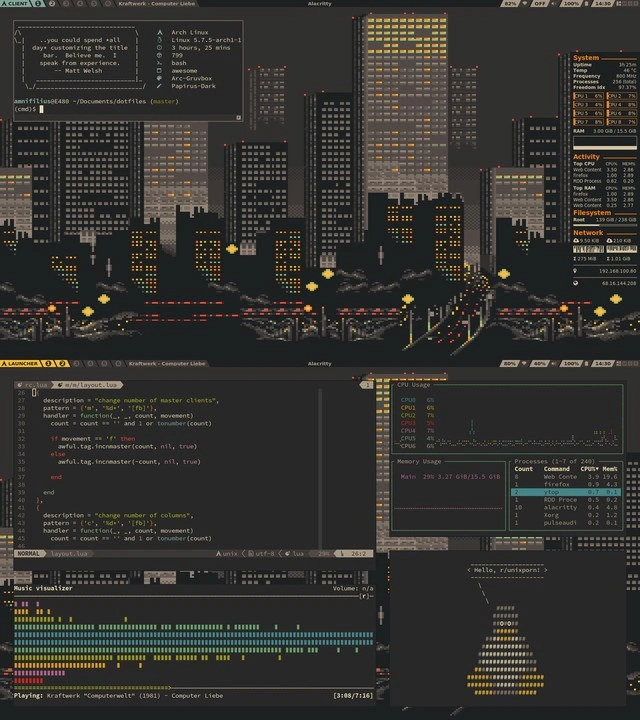
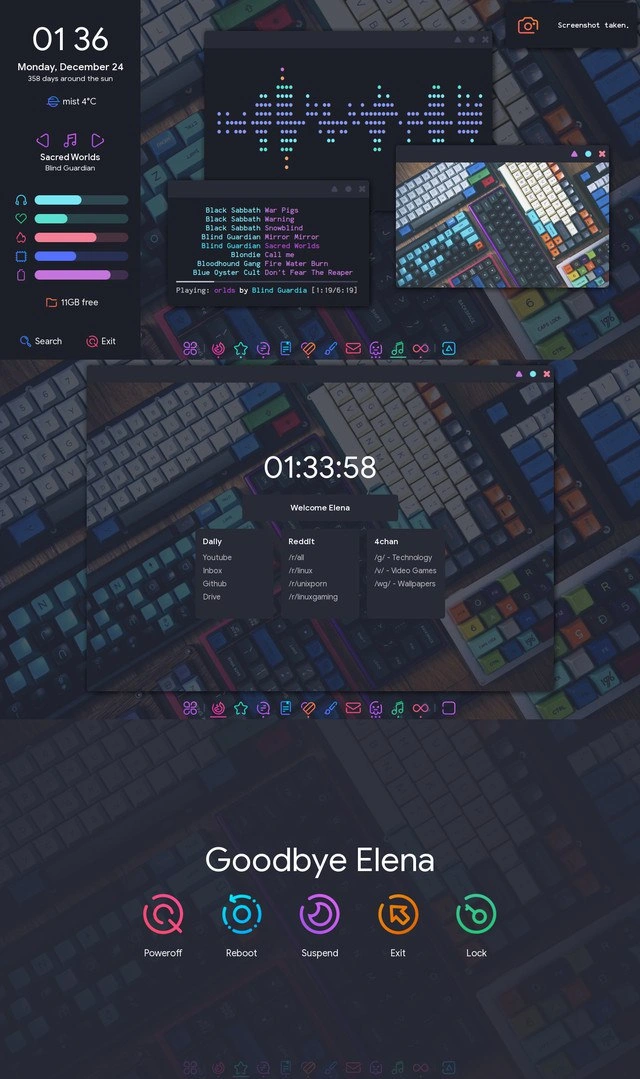
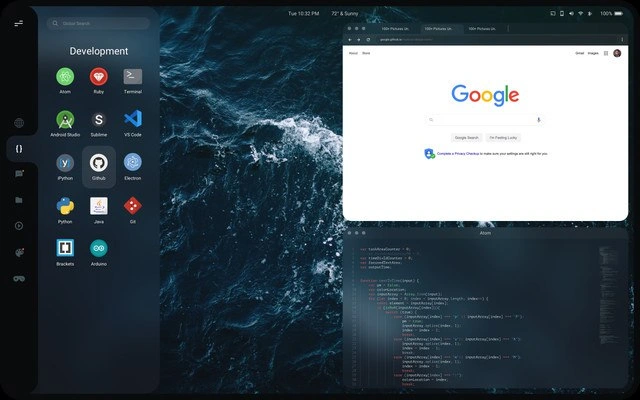
Composite screenshot sequence of a heavily-customized Arch Linux setup. 1) The top panel shows a terminal running “>>> neofetch” with the large purple-blue ASCII Arch logo and specs text: “joelmatebook / OS: Arch Linux x86_64 / DE: plasma / Shell: zsh 5.8 / Uptime: 2h 56m (example) / Resolution: 1920x1080 / Theme: Nord-light-8b (Plasma), oomox-A / Icons: Arc in Plasma, Tela [GTK] / Font: BastianScript Versa Sans 11 (Plasma) / CPU: AMD Ryzen 5 2500U with Radeon Vega8 / GPU: AMD ATI Radeon Vega Series / RAM: 2556MiB / 8191MiB / CPU usage: 0%”. Beneath the terminal sits a mac-style dock of app icons (Terminal, VS Code, Spotify, Firefox, Discord, etc.) against a mountain-and-aurora wallpaper; the digital clock at the top center reads “Twelve Thirty Nine”. 2) The next panel opens a grid launcher of ~40 application icons (Krita, GIMP, Chromium, Inkscape, Brave, Spotify, BalenaEtcher, Discord, etc.) on a translucent dark backdrop with a search bar saying “Type to search…”. 3) A minimalist boot/loading frame follows: a centered white Arch logo over a blurred aurora background with a spinning circle below it. 4) The final panel is a KDE Plasma login screen: left side shows “Welcome! 12:36 Sunday, 10 of May”, username field pre-filled “joe”, password box with “Show Password” checkbox, “Login” button, and power options (Suspend, Hibernate, Reboot, Shutdown); right side continues the icy mountain wallpaper. The image humorously flaunts the classic “ricing” culture of Linux power users - showing off terminal specs via neofetch, custom icon themes, and polished login screens - to signal developer identity and love for CLI-driven, endlessly configurable environments
Comments
6Comment deleted
Spent the whole PI making sure neofetch, the boot splash, and the KDE login screen share a flawless Nord palette - microservice still 500-ing, but at least our aesthetics are idempotent
Running neofetch to flex your Arch setup while hiding behind a macOS GUI is like implementing microservices for fault isolation then deploying them all to the same EC2 instance
When your Arch Linux rice is so meticulously crafted that even your neofetch ASCII art matches your aurora wallpaper's color palette - because why spend time fixing production bugs when you can spend three days perfecting your terminal's transparency settings and ensuring your 1,516 pacman packages are aesthetically aligned with your WM's compositor effects?
Ricing PS1 so hard, it achieves O(1) envy from juniors while features idle in the backlog
Riced Arch across zsh, tmux, SDDM, and Plasma so the aurora matches; the dotfiles monorepo has more cohesion than our microservices, and neofetch is the only dashboard hitting its SLOs
Neofetch-driven development: spend a weekend ricing Plasma so the ASCII A looks perfect in standups, then accidentally sync the dotfiles to the prod bastion and wonder why SDDM is greeting a headless server