
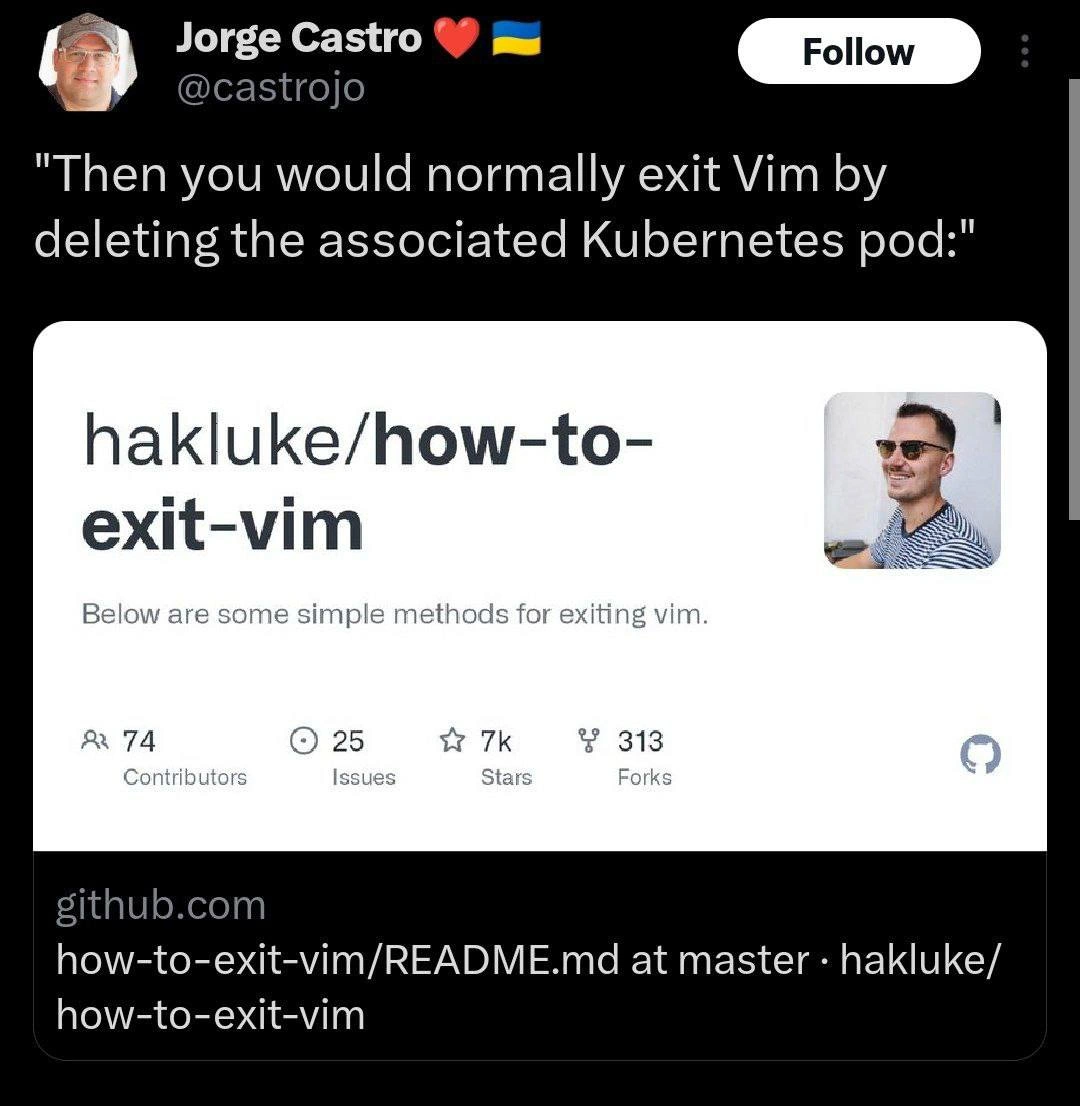
Exiting Vim the Cloud-Native Way by Deleting the Kubernetes Pod
Description
A screenshot of a tweet by user Jorge Castro (@castrojo). The tweet's text reads, "Then you would normally exit Vim by deleting the associated Kubernetes pod:". Below this text is a preview of a GitHub repository titled 'hakluke/how-to-exit-vim'. The preview shows that the repository has 74 contributors, 25 issues, 7k stars, and 313 forks, with a short description that says, "Below are some simple methods for exiting vim." The technical joke stems from the absurd conflation of two separate, well-known developer pain points. Exiting the Vim editor is a classic meme because its commands are not intuitive to beginners. Deleting a Kubernetes pod is a fundamental but significant action in container orchestration. The humor lies in proposing a ridiculously destructive, high-level infrastructure solution for a trivial, low-level text editor problem, satirizing both the complexity of modern cloud-native environments and the 'nuke it from orbit' approach to problem-solving


Comments
28Comment deleted
My junior asked for help exiting Vim. I told them to delete the pod. Now they're filing a ticket because the 'uncommitted changes' warning is holding up their entire sprint
I finally solved the Vim exit problem: mapped :q! to “kubectl delete pod $(hostname)” - editor closes, pod restarts, CI goes green, and Prometheus now thinks I’m pair-programming with Chaos Monkey
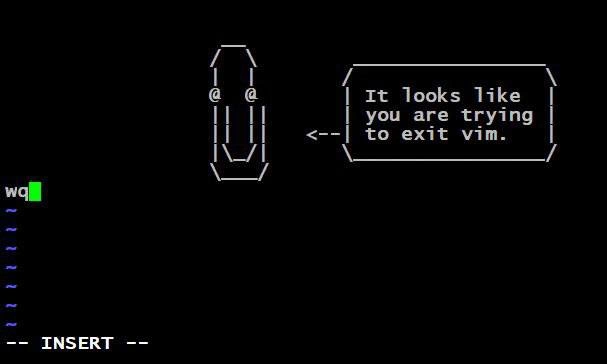
When your infrastructure is so cloud-native that even exiting Vim requires a kubectl delete pod --force --grace-period=0, you know you've achieved peak DevOps enlightenment - or you've just containerized your inability to remember :wq
When your incident response playbook for 'developer stuck in Vim' is literally `kubectl delete pod`, you know you've achieved true cloud-native enlightenment. Why learn :wq when you can just treat the entire runtime environment as ephemeral? It's not a bug, it's infrastructure as cattle - if the editor won't exit, just shoot the whole pod and let Kubernetes resurrect a fresh one. Bonus points if your deployment has a liveness probe that detects 'Vim session duration > 5 minutes' and auto-restarts. This is what happens when immutable infrastructure meets the world's most notorious modal editor: the nuclear option becomes the path of least resistance
:q! for juniors; for architects, it's kubectl delete pod --grace-period=0 - because Vim's state is eventual consistency across modes
Cloud‑native way to quit Vim: alias :q to “kubectl scale deploy/editor --replicas=0” - because even exiting should be declarative and idempotent
Senior move: when :q! fails inside a debug pod, alias quit to 'kubectl delete pod --force --grace-period=0' - nothing says modal editing like Kubernetes garbage collection
killall5 -9 still works Comment deleted
are you sure killall5 instead of killall? Comment deleted
killall5 is the SystemV killall command. It sends a signal to all processes except kernel threads and the processes in its own session, so it won’t kill the shell that is running the script it was called from. Its primary (only) use is in the rc scripts found in the /etc/init.d directory. 🤔 Comment deleted
Absolutely. We can't take chances. Comment deleted
😂😂 Comment deleted
Why would one exit VIM? Comment deleted
Why would one use VIM? Comment deleted
Why would VIM? Comment deleted
how to exit tmux Comment deleted
aren't vscode users doing the same with bazilions of plugins? Comment deleted
yeah, but nobody is using bare VSCode. BUT if you frequently browse servers over ssh — you frequently use bare vim as it's very powerful and lightweight. and VSCode is pretty much useless without vim plugin. very hard to use. you kinda need mouse all the time. hover on things, wait until it reacts... while the whole thing could be done quick and easy with vim keys. Comment deleted
firstly. nobody is spending time on memorizing macros. it happens by itself during usage. secondly. you propose inefficient work over gaining an efficient skill. it's like chopping trees with a knife because you don't have time to sharpen your axe. Comment deleted
just using mouse is faster than keyboard Comment deleted
you joking? Comment deleted
no Comment deleted
eg. just selecting some code using mouse is faster than figuring out how many lines are there and then typing something like 13x whatever or something like this Comment deleted
nobody is counting lines you have more semantic and simple ways for that. Comment deleted
like "this if and a line after it"? Comment deleted
like visual select and then jump to corresponding bracket. it's 3 clicks Comment deleted
If you can't switch your focus between keyboard and mouse then skill issue Comment deleted
vim keys are widely used in many software for developers. so that's untrue what you are saying. you can find them in document viewers, text editors / viewers, browsers, window managers and so on. Comment deleted