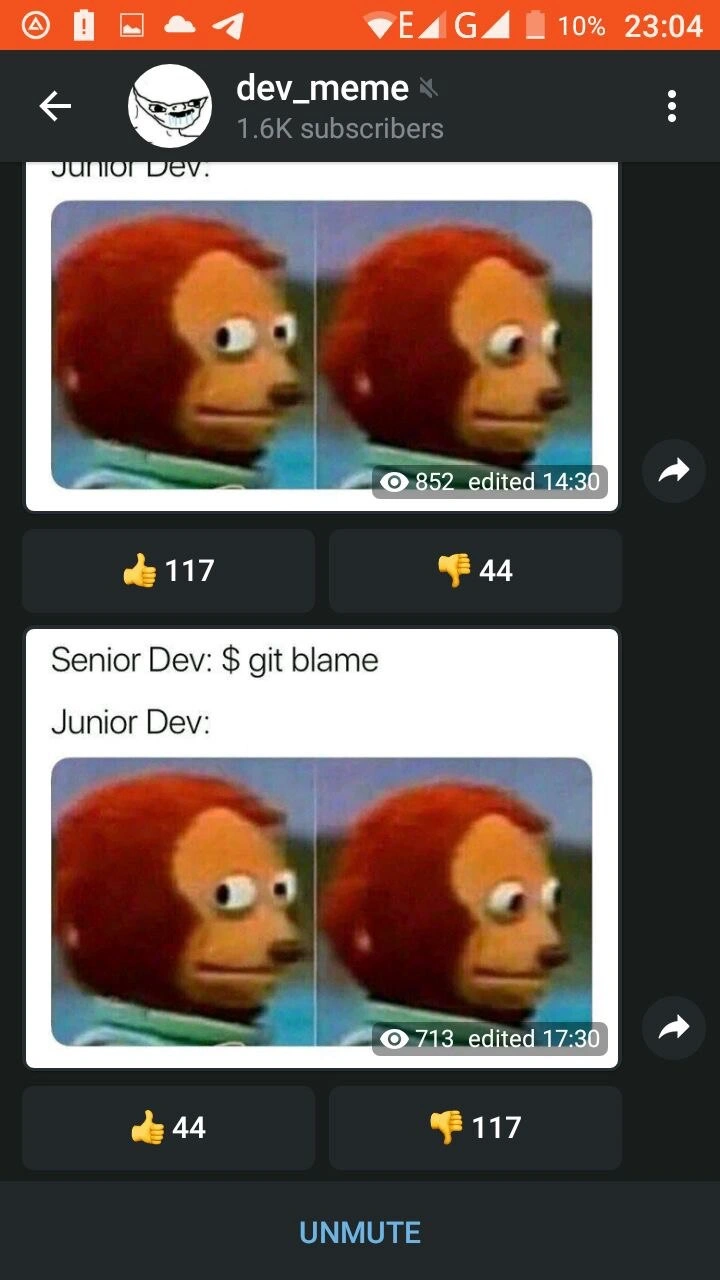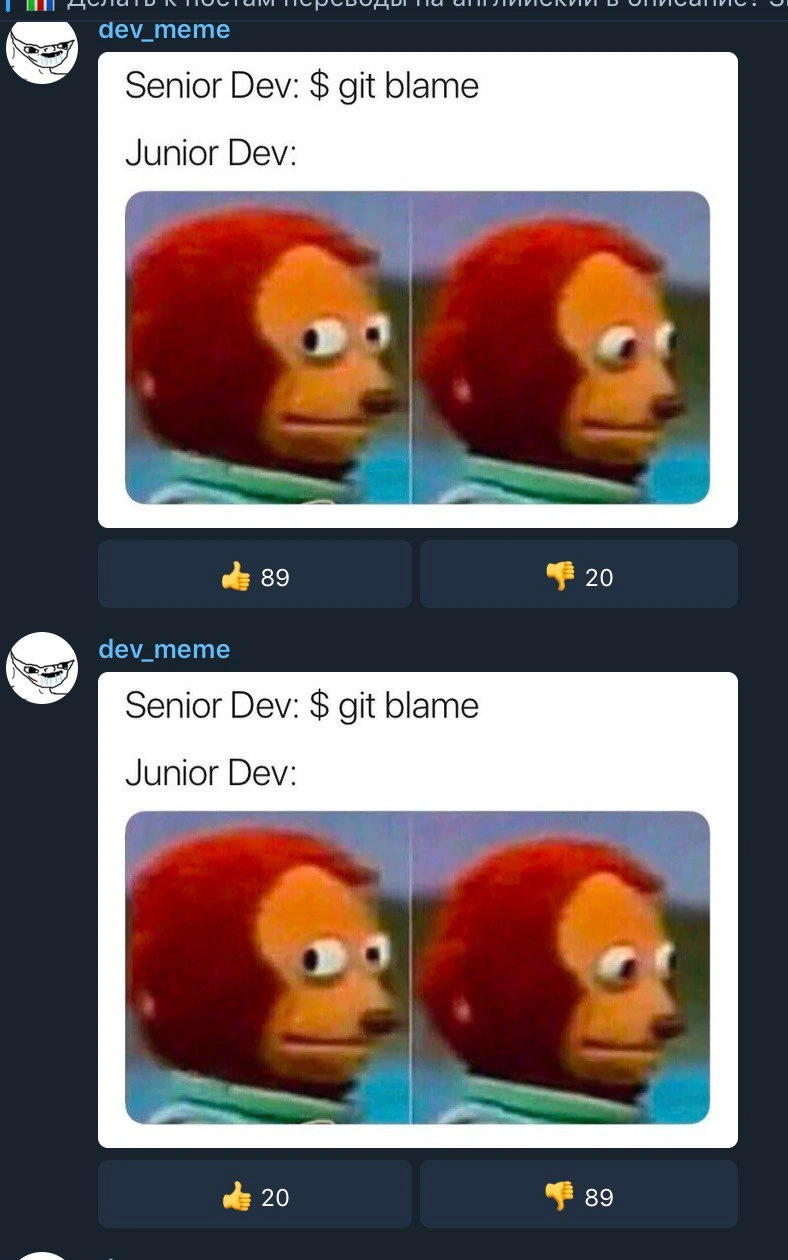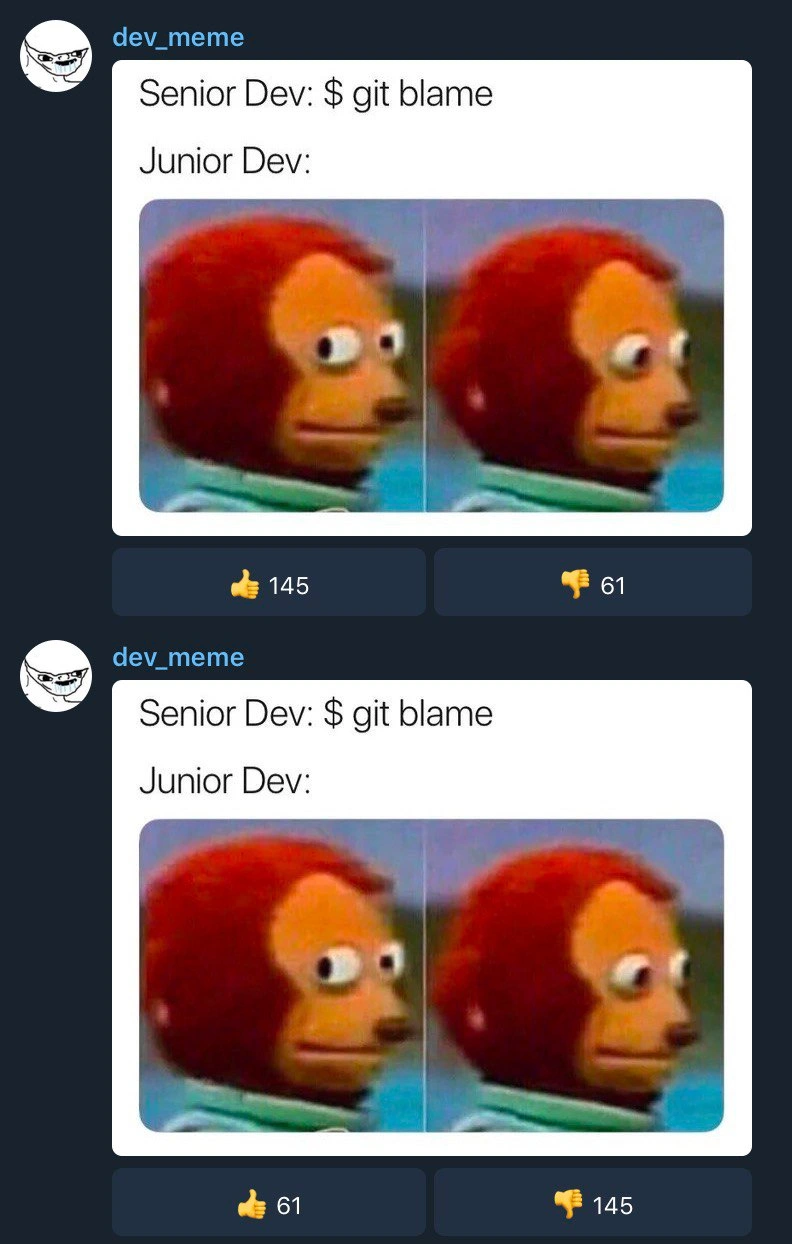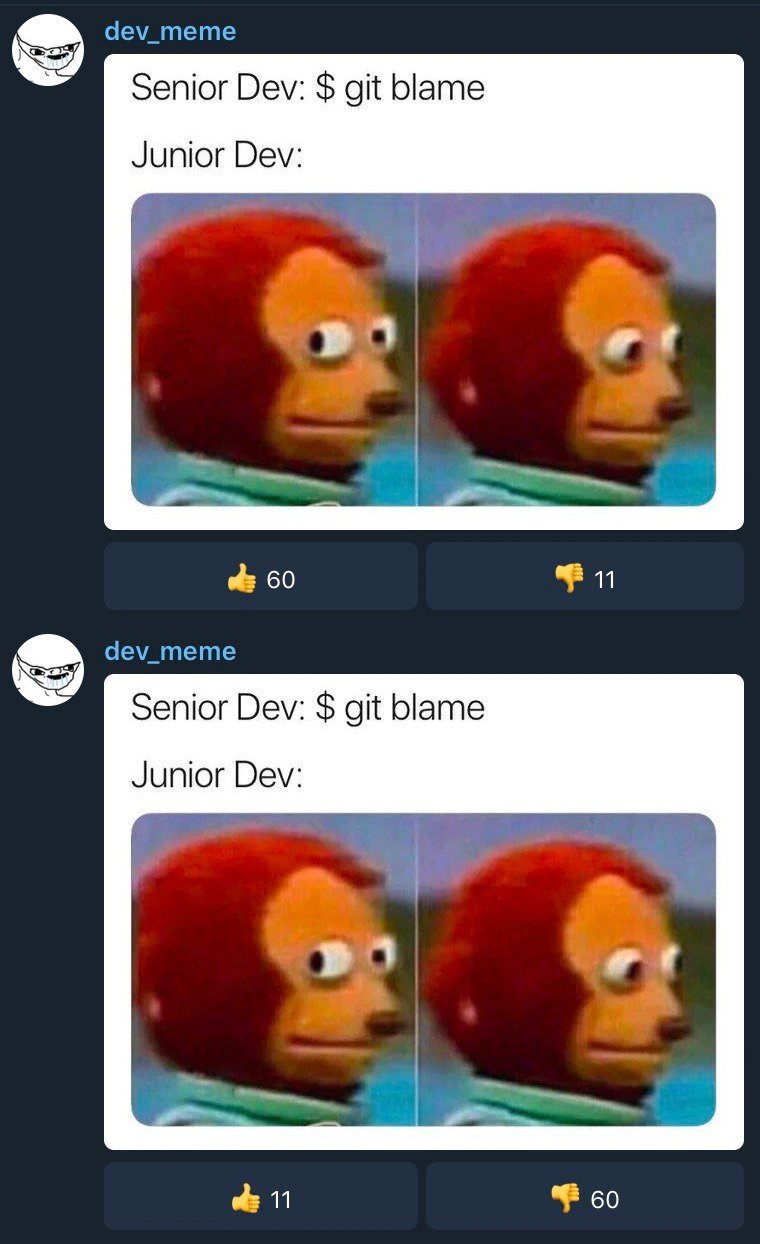
The existential dread of a junior dev facing 'git blame'
Why is this VersionControl meme funny?
Level 1: Caught with the Cookies
Imagine you secretly took a cookie from the cookie jar when you weren’t supposed to. Later, your parent says, “Who ate this cookie? I’m going to check the security camera.” In that moment you freeze, and your eyes drift to the side with a nervous smile, hoping you won’t be found out. That little “uh-oh, I’m caught” feeling is exactly what this meme is joking about! The senior developer checking the code is like the parent checking the camera, and the junior developer making the awkward side-eye is like you trying not to give yourself away. It’s funny because everyone recognizes that brief panic when you realize someone can see exactly what you did wrong.
Level 2: Git Blame 101
This meme shows a simple interaction: Senior Dev says, “$ git blame”, and Junior Dev responds with a wide-eyed, side-glancing monkey puppet face. If you’re new to these terms, let’s explain what’s going on in plain language.
Git is a popular tool programmers use for version control. Version control is like a save-history for code: it keeps track of every change made to the files in a project, and who made each change. Think of it as a timeline of the project where you can rewind to see what was done, when, and by whom.
When you see
$ git blame, that’s a command being run in a terminal (the$is just the prompt symbol). Git blame will list out each line of a file and tell you the last person who edited that line, along with when they did it. Despite the scary name, developers use it mostly to understand code history or find the origin of a bug. It’s called “blame” because it literally can show who to blame (or credit!) for a specific line of code. For example, if line 100 of a program is causing errors, runninggit blameon that file will show which teammate last modified line 100 and when they did so.In the meme, the Senior Dev is about to run this command, meaning they’re going to check who wrote a certain piece of code. The Junior Dev (a less experienced programmer on the team) suspects they might be the one who wrote the troublesome code in question. The junior’s reaction is shown using the monkey puppet side-eye meme image. That puppet’s nervous sideways glance perfectly represents the junior developer silently thinking, “Uh oh... I hope it wasn’t me… (but I know it probably was me).” It’s a face of awkward guilt.
This scenario is very relatable to anyone who’s been a new developer. When you’re just starting out (a junior), you might worry about messing up. If a senior developer points out a bug and says they’re going to see who wrote that part, your heart might skip a beat if you think you did. It’s not that the senior is actually angry; usually they just want to find out the history of the code so they can fix it or help you improve it. But as a junior, it’s easy to take it personally and feel nervous, because you don’t want to be seen as the one who made a mistake.
Now look at the image closely: the meme was posted twice by the user. The first post got 60 thumbs-up likes and only 11 thumbs-down (dislikes). That means people really liked it the first time. The second post — which is the exact same picture and caption, posted again — got only 11 likes and 60 dislikes. In other words, when the meme was repeated, most people didn’t like it. This is similar to hearing the same joke twice; the first time it’s funny, the second time it’s stale. In programming, doing the same thing over and over is usually not welcome either (there’s even a principle called “Don’t Repeat Yourself”). So, the community downvoting the second identical post is a playful way of saying, “We’ve seen this already.” It’s a little meta-joke about posting duplicates: the first time gets a good reaction, the second time might get a side-eye — just like the puppet’s expression.
In short, when the senior dev runs git blame, they’re checking the code’s history to see who wrote a certain part. The junior dev in the meme is afraid their name will come up, which is a funny exaggeration of how juniors often feel during code reviews or bug hunts. And the fact that the meme image itself was posted twice (with the second time getting a lot of negativity) adds an extra joke that repeating the same thing can backfire, whether it’s a code snippet or a meme.
Level 3: The Blame Game
This meme brilliantly captures a classic code review scenario turned on its head by a simple command: git blame. In the image, the text “Senior Dev: $ git blame” is essentially the senior engineer saying, “Let’s find out exactly who wrote this piece of code.” The Junior Dev’s response is conveyed wordlessly by the famous awkward monkey puppet turning its eyes outward in visible discomfort. For experienced developers, this setup hits home because it combines a technical action (running a Git command) with the very human reaction of a nervous junior engineer.
Let’s unpack the technical side first. Git is a widely-used distributed version control system, meaning it keeps a detailed history of changes to the code. Every time a developer makes changes and commits them, Git records who made the change, when, and a snapshot of what changed. The command git blame is a tool that leverages this history. It annotates each line of a file with the identity of the last commit (and thus the person) that modified that line. It's like performing a digital forensic analysis on the codebase — a line-by-line interrogation of “who touched this last.” For example, running git blame on a file might show something like:
$ git blame utils.js -L 30,30
^3f5e1ac (Jane Junior 2019-05-10 10:15:42 -0700 30) function parseData() {
This output indicates that line 30 of utils.js was last edited by a developer named Jane (perhaps the junior dev) in commit 3f5e1ac on May 10, 2019. In practice, git blame is extremely useful for tracking down the origin of bugs or understanding why a certain code change was made. A senior dev might use it during a debugging session or a code review to get context about a piece of code: “Who wrote this, and what might they have intended?”
Now, on to the humorous crux: why does this trigger anxiety in the junior dev? The word “blame” in git blame hints at finger-pointing. When a senior developer says they’re going to run that command, it often means something in the code is wrong or needs explanation. The junior who wrote that code might instantly feel exposed. The meme nails this feeling with the awkward monkey puppet image (the classic side-eye meme). That puppet’s face is basically the junior developer’s internal reaction: wide eyes and a forced neutral expression, masking the thought “Please don’t find out it was me… oh no, it was me.”
This plays on a common Senior vs Junior dynamic in tech teams. The senior dev likely isn’t literally out for blood; usually they’re just troubleshooting. But the junior dev, being new and perhaps a bit insecure, interprets git blame as if they’re about to get in trouble. It’s a form of git blame anxiety – even though rationally it’s just code history, emotionally it feels like being called to the principal’s office. In real engineering cultures, good teams emphasize learning and blameless problem-solving (focusing on fixing issues rather than shaming people). Nevertheless, the tool’s name and the situation can create a tense moment. (There’s even dark humor among programmers about this command: some suggest renaming it to git praise or git annotate to sound less accusatory!) But the name remains, and every developer remembers the first time they saw their own name pop up in a blame report during a bug hunt. It’s equal parts useful and unnerving.
The meme doesn’t stop at just the coding joke — it has another layer of developer humor attached. Notice that in the screenshot, the user dev_meme posted the exact same meme twice. The top post (the first time it was shared) received 👍 60 likes and 👎 11 dislikes, indicating the community found it funny and relatable. The second post (the duplicate, right below) saw the opposite reaction: only 👍 11 likes and 👎 60 dislikes. The audience effectively reversed their feedback because they recognized it as a repeat. In online developer communities, reposting the same meme tends to get a chilly reception, much like copying the same code into multiple places will earn you a stern look in a code review. It’s a clever nod to the idea of “Don’t Repeat Yourself” (DRY) — a well-known programming principle. The community gave a collective side-eye of its own, essentially blaming the poster for duplicating content. The heavy downvote count on the second post is like the internet’s way of saying, “We saw this joke already – give us something new.” This mirrors how a senior dev might react if a junior copied a code snippet twice: the first time might get a chuckle or a gentle comment, but the second time you’ll definitely get called out.
On one level, the meme captures the personal terror a junior feels when their code’s history is about to be laid bare by a senior using git blame. On another level, it winks at meme and coding culture itself, where doing the same thing twice can flip admiration into annoyance. It’s double-layered developer humor – both an inside joke about version control accountability and a meta-joke about how the tech community values originality. For seasoned developers, it’s hard not to grin (and maybe cringe a little in sympathy) at both of these truths.
Description
This image displays a popular developer meme twice in a vertical feed format, posted by a user named 'dev_meme'. The meme itself consists of text followed by a two-panel image of the 'Awkward Look Monkey Puppet'. The text reads 'Senior Dev: $ git blame' and 'Junior Dev:'. The accompanying image shows the red puppet looking forward with a neutral expression in the first panel, then darting its eyes nervously to the side in the second. This visual reaction perfectly captures a junior developer's anxiety and guilt when a senior dev uses the 'git blame' command, which is a tool to identify who last modified each line of a file. The joke lands with experienced developers because they understand that 'git blame' is often the first step in tracking down the source of a bug, and the person who wrote the code is about to be identified. For a junior developer who may lack confidence or is aware they recently committed questionable code, this moment is filled with dread
Comments
7Comment deleted
Pro tip for juniors: 'git config --global alias.praise blame'. It doesn't change what it does, but it makes the psychological warfare a bit more confusing for everyone
Copy-pasting the meme was a flawless simulation of copy-pasting code: doubled the git-blame surface, halved the 👍 coverage, and somehow management still thinks reuse is free
The real plot twist is when git blame shows your own name from 8 years ago with the commit message "temporary fix, will refactor later."
The real senior move is running `git blame` on production code at 3 AM, discovering your own commit from 2 years ago, and having the emotional maturity to say 'well, past me was an idiot' instead of frantically checking if anyone else is awake to witness your archaeological discovery. Junior devs fear git blame like it's a performance review; seniors know it's just a timestamp with extra steps - and that everyone's code looks questionable under forensic analysis
Senior: git blame; Junior: Do we have blame-ignore-revs for the Great Reformat of 2019, or am I about to “author” the entire monolith?
Git blame: the command that turns 'senior engineer' into just another commit hash in the blame chain
Real senior move: git blame --ignore-revs-file .git-blame-ignore-revs so the puppet stops pointing at the junior every time Prettier rewrites half the monorepo