
CLI Post #5212 · source on Telegram
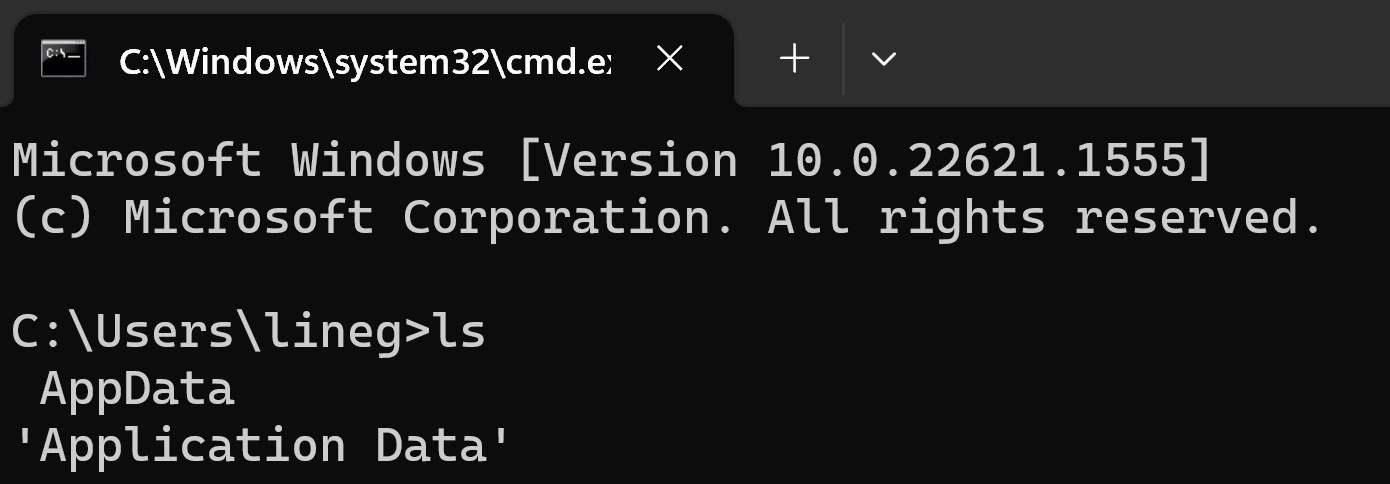
Typing 'ls' in cmd reveals Windows' duplicate AppData directory mystery
Description
Screenshot of a Windows Terminal tab titled "C:\Windows\system32\cmd.e…" running classic cmd.exe. The console text reads: "Microsoft Windows [Version 10.0.22621.1555] (c) Microsoft Corporation. All rights reserved." followed by the prompt "C:\Users\lineg>ls". The listing output shows two seemingly identical entries: "AppData" and "'Application Data'". Visually, the interface uses white monospace text on a black background. Technically, the image pokes fun at Linux muscle-memory (typing the Unix-style "ls" in cmd) and highlights Windows NTFS junctions that create legacy aliases like "Application Data" pointing to "AppData", often confusing developers navigating the filesystem from the CLI
More like this
More like this in CLI →

Use J and K for navigation
Comments
6Comment deleted
Typed ‘ls’ in cmd and Windows answered with both AppData and its junction twin ‘Application Data’ - NTFS’s gentle reminder that in Redmond, deprecation just means “add another alias and back away slowly.”
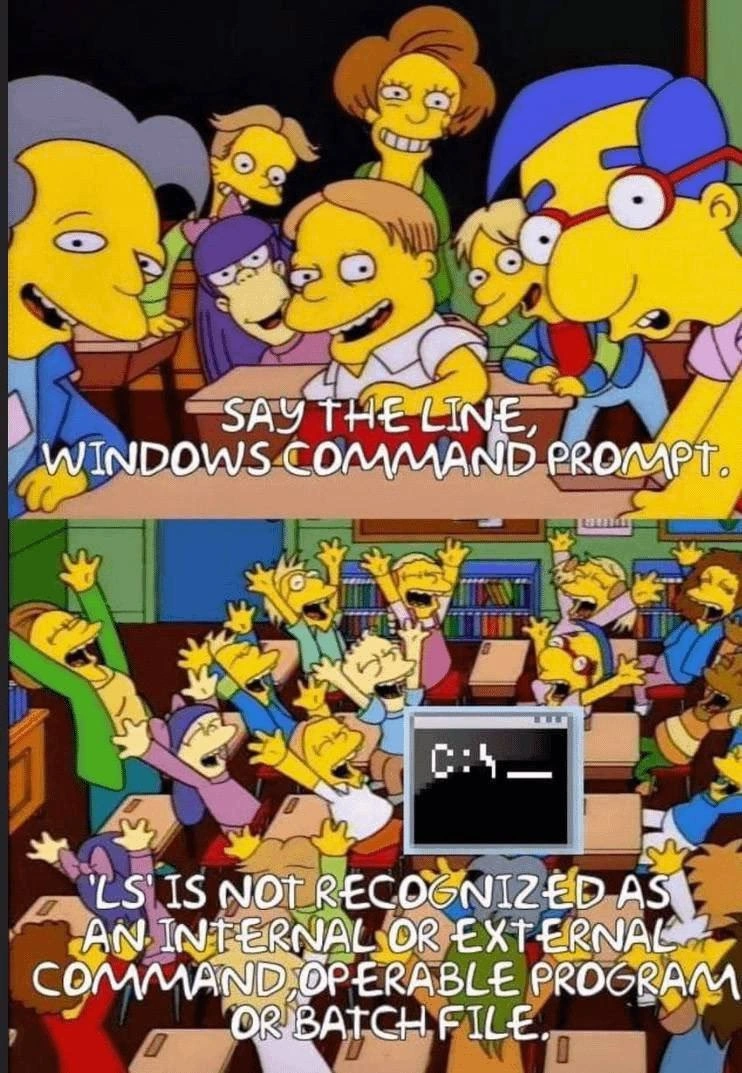
After 20 years of muscle memory typing 'ls', Windows finally got tired of telling me it's not recognized and just gave up and implemented it
The eternal struggle of the polyglot developer: your fingers know 'ls' but Windows knows 'dir'. This is what happens when your muscle memory has been trained on *nix systems for 15 years and you're suddenly thrust into a Windows environment - your brain says 'list directory' but your fingers automatically type the command that will make cmd.exe look at you with confusion. At least PowerShell has aliases to save us from this embarrassment, but here in raw cmd.exe land, we're exposed for the Unix refugees we truly are. The 'Application Data' output is just Windows' way of saying 'I found an executable or file called ls, and this is what it spat out' - a gentle reminder that not all terminals are created equal
CMD's 'ls': because who needs dir when AppData junctions offer better backward compatibility tours?
ls in cmd: AppData and 'Application Data' - a real folder and an NTFS junction to its Roaming child; backward compatibility turning path normalization into recursion
Seeing AppData and 'Application Data' in ls is NTFS reminding you that FILE_ATTRIBUTE_REPARSE_POINT exists - ignore it and your Windows agent will happily tar an infinite universe until quota alarms page you