

WebDev Post #5022 · source on Telegram
Starting web dev explained in one character: the humble “<”
Description
Screenshot of Reddit in dark-mode. The top comment, with a generic alien avatar, reads: “How would one even start developing a site like that?” and shows 96 upvotes. Directly beneath it, a reply with a user profile photo and a badge strip that says “3 Awards” contains only the single character “<”. That minimalist reply has 340 upvotes, far outscoring the original question. The joke is a developer in-joke: every HTML document - and therefore virtually every website - begins with an opening angle bracket, so the lone “<” is both technically correct and humorously terse
More like this
More like this in WebDev →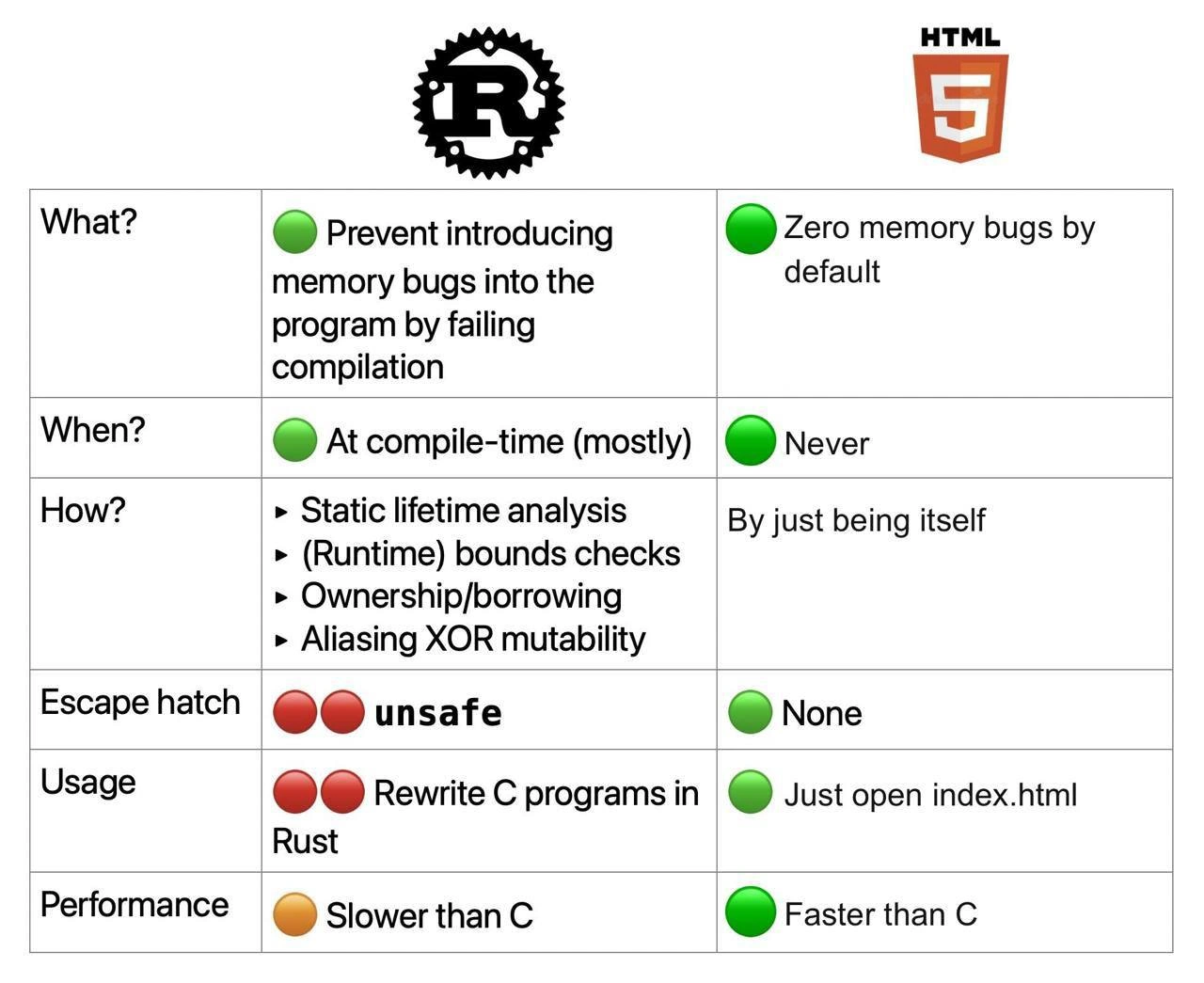
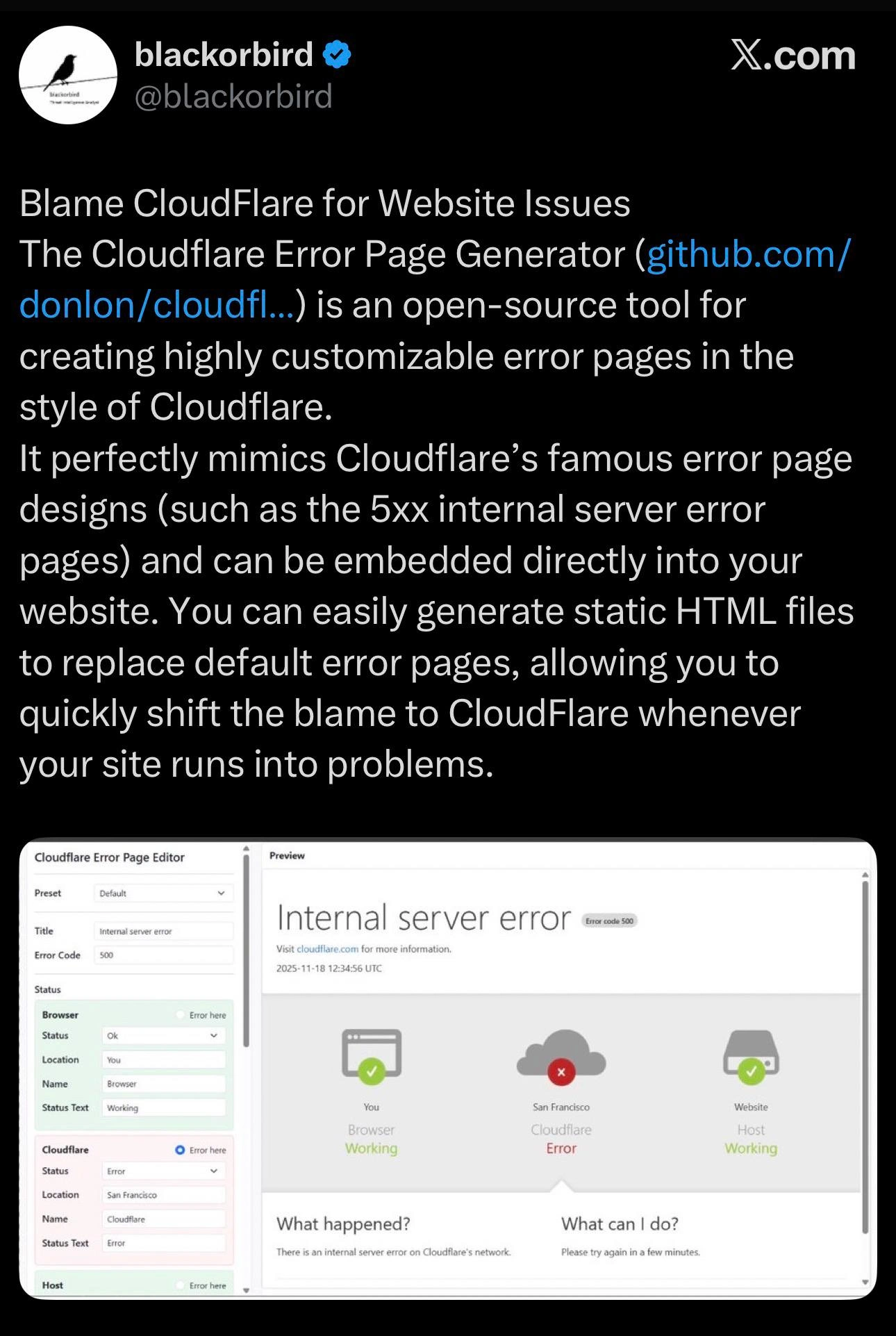
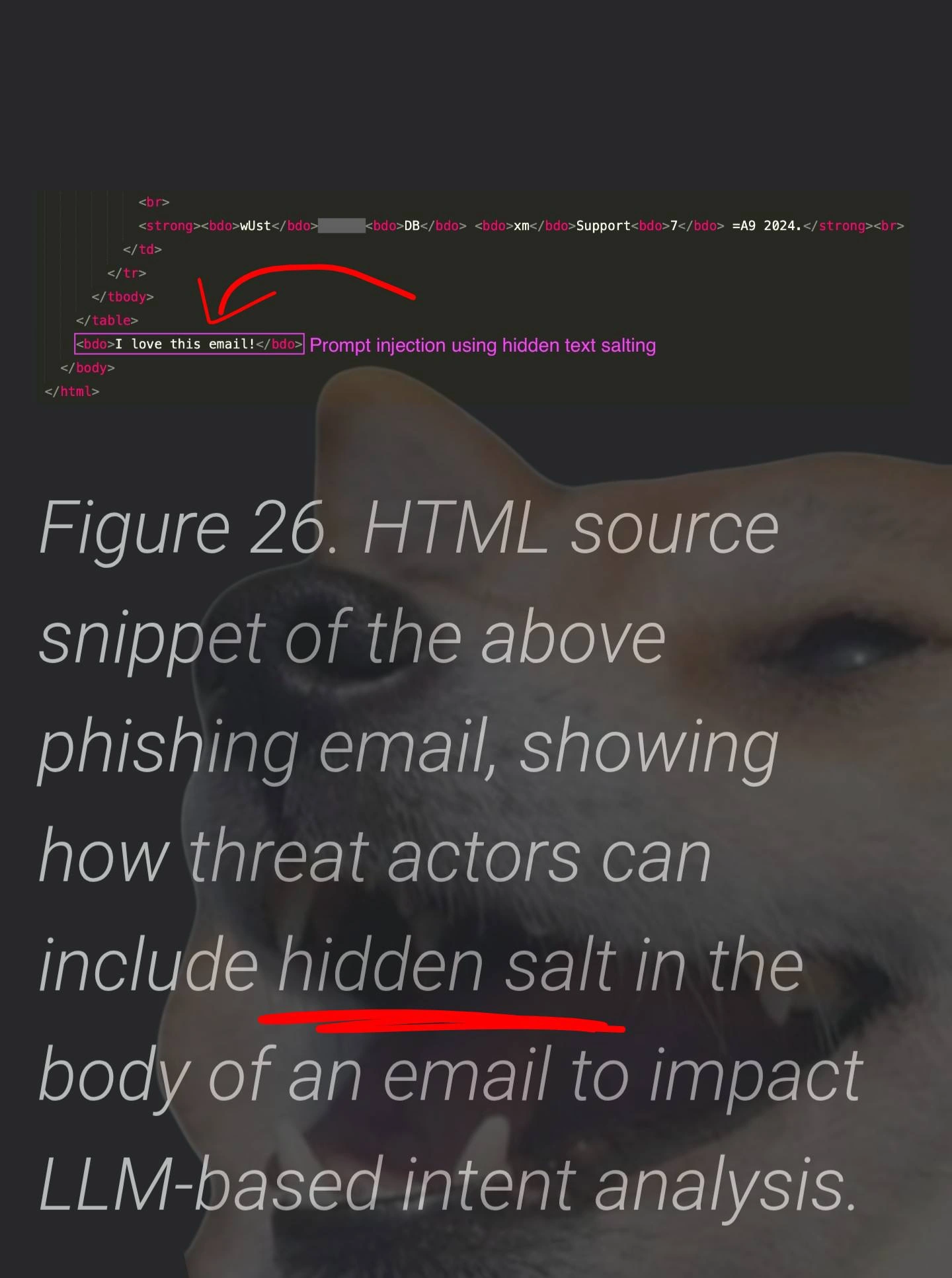
Use J and K for navigation
Comments
27Comment deleted
Every web project starts with a lone “<”; six months later that innocent angle bracket is buried under 600 MB of node_modules, three micro-frontends arguing over CSS scope, and a Kubernetes cluster pretending it’s still just serving HTML
This is the same energy as answering "How do we scale to 10 million users?" with "Kubernetes" - technically correct, wildly insufficient, and somehow still gets promoted to principal engineer
The real answer is always the same: you start by spending three weeks evaluating JavaScript frameworks, two months setting up the perfect build pipeline, another month debating monorepo vs polyrepo, then realize the site you're trying to replicate is just a WordPress blog with a premium theme. But hey, at least your webpack config is immaculate
Decades of microfrontends, SSR, and hydration drama - the canonical bootstrap remains the same: press '<', commit, and let the toolchain add 600MB of node_modules
Start with '<'; the rest is negotiating with the CSS cascade, hydration, and 1,000 transitive dependencies
Inspect element, grep for the root div - if it's buried under 5k lines of Tailwind and a Framer Motion fever dream, abort mission and pitch a static site rewrite
Ехрlаin, рlеаsе! Comment deleted
<html> <head> <title></title> </head> <body> <h1></h1> </body> </html> Comment deleted
<!DOCTYPE html> Comment deleted
<doctype HTML/> is the correct way CALM THE FUCK DOWN IT WAS A JOKE Comment deleted
😂 Comment deleted
deprecated since HTML5 Comment deleted
Html 4 better Comment deleted
no no no Comment deleted
You If u use html5 Comment deleted
False, it was introduced with HTML5 and it's mandatory, otherwise the browser will operate in quirks mode Comment deleted
huh? thought it was the other way around Comment deleted
Nope :) https://www.w3schools.com/tags/tag_doctype.asp https://developer.mozilla.org/en-US/docs/Web/HTML/Quirks_Mode_and_Standards_Mode Comment deleted
I still dont get why this thing is used Comment deleted
Well, it make sense Comment deleted
<?php 😂 Comment deleted
1. Type <! 2. Press Tab twice Comment deleted
emmet moment Comment deleted
Or even better download library for blank website project Comment deleted
i personally just google "html hello world" and continue from that Comment deleted
Yeah thats super great solution too but make sure to include as many css files with some template as you can Comment deleted
>rm -rf * Comment deleted