
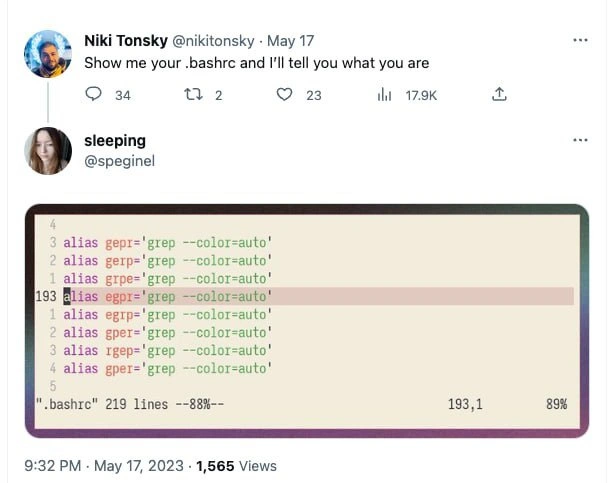
When your .bashrc is just a giant spell-checker for every grep typo
Description
The image is a stacked Twitter screenshot. At the top, user Niki Tonsky tweets: “Show me your .bashrc and I’ll tell you what you are,” with counts for replies, retweets, likes, and 17.9K views. Below, user ‘sleeping’ replies with a cropped terminal capture of their “.bashrc” opened in a text editor showing line numbers 4-11 and 193-201. Every visible line is an alias such as “alias gepr='grep --color=auto'”, “alias gper='grep --color=auto'”, “alias gpre='grep --color=auto'”, continuing with dozens of typo variations, all mapping back to the same grep command. The status bar reads “.bashrc 219 lines - -88% - 193,1 89%”. The joke highlights shell-customization culture: veteran CLI users defensively alias every possible misspelling of ‘grep’, turning dotfiles into a mirror of personal typing habits and illustrating both the power and absurdity of terminal configuration for productivity
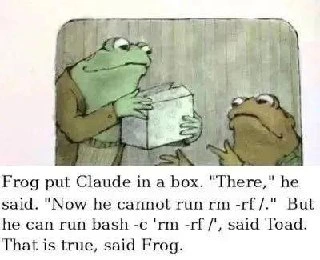
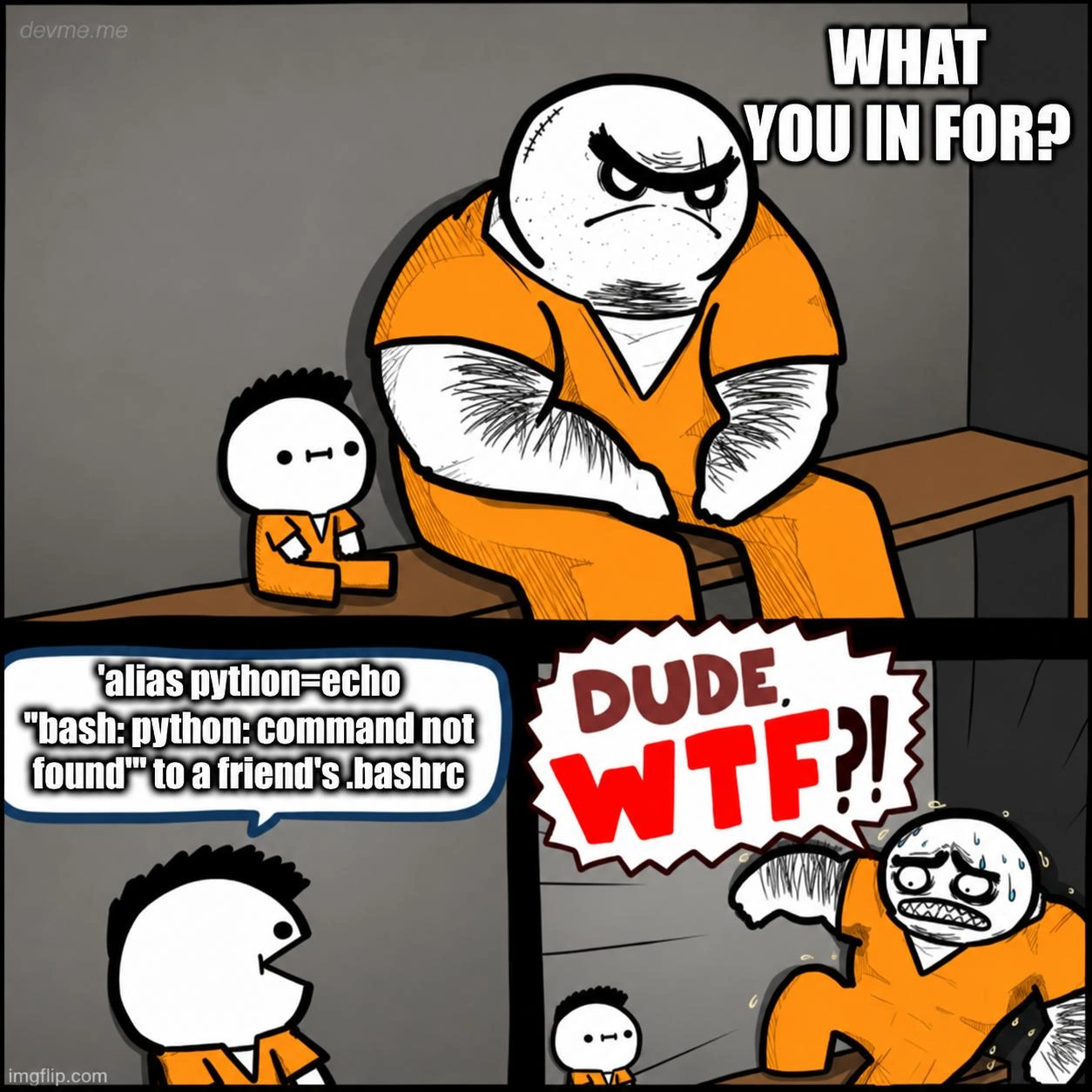

Comments
18Comment deleted
After 20 years in the shell I’ve accepted it’s cheaper to maintain a 219-line alias table that 301-redirects ‘gpre’, ‘gepr’, and ‘rgpe’ to grep than to refactor my thumbs
The real tell isn't the 9 grep aliases with color=auto, it's that they committed 'gper' and 'gpep' to their dotfiles repo and pushed to production without noticing - clearly someone who believes in 'grep first, ask questions later' and whose code reviews consist mainly of 'LGTM, ship it!'
This .bashrc is a beautiful monument to the 'fix the symptom, not the problem' philosophy - instead of learning to type 'grep' correctly once, they've meticulously cataloged every possible finger-fumble permutation and aliased them all. It's like writing a comprehensive exception handler for your muscle memory. The real senior move here is recognizing that 219 lines deep, with 8 different typo aliases, they've achieved a form of fault-tolerant typing that would make any distributed systems engineer proud. Who needs consistent spelling when you can have eventual consistency?
This .bashrc is basically a Levenshtein-distance-1 router for grep - the only truly fault-tolerant component in our stack
193 lines of grep --color=auto: because nothing says 'shell wizard' like copy-pasting the man page example until Vim begs for mercy
At 219 lines, this .bashrc turns typos into an HA cluster for grep - great until you SSH into a vanilla box and discover your RTO for ‘rgep’ is infinite
Username checks out Comment deleted
the same, but for git 😂 Comment deleted
Just an fyi, git has a built-in feature to autocorrect and execute after x amount of seconds. https://git-scm.com/book/en/v2/Customizing-Git-Git-Configuration#_help_autocorrect Comment deleted
also fyi, installing gti is more fun https://r-wos.org/hacks/gti Comment deleted
Wow, interesting, thanks man 👍 Comment deleted
Dyslexia? Comment deleted
Yep Comment deleted
The Fuck comes to rescue Comment deleted
>app Comment deleted
it just works Comment deleted
alias fuck='sudo $(fc -ln -1)' redoes previous command with sudo Comment deleted
Ахахахаххахахахахаххахахвахахахахахаххахахаха сука Comment deleted