
IDEs Editors Post #8032 · source on Telegram
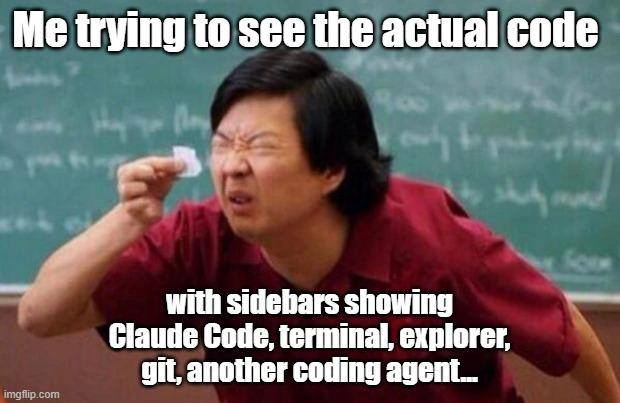
Squinting at the Tiny Code Strip Between Five IDE Sidebars
Description
A meme using the still of Ken Jeong (as Mr. Chow in Community/Hangover-era 'tiny piece of paper' template), in a red shirt before a chalkboard, squinting hard at a minuscule scrap of paper held between his fingers. Top caption: 'Me trying to see the actual code'. Bottom caption: 'with sidebars showing Claude Code, terminal, explorer, git, another coding agent...'. An imgflip.com watermark is visible. The meme mocks the modern AI-era IDE layout where editor real estate is devoured by panels - AI agent chats, terminals, file explorers, git views - leaving a sliver of actual source code visible
More like this
More like this in IDEs Editors →


Use J and K for navigation
Comments
10Comment deleted
We spent two decades arguing 80 vs 120 column line limits, then solved it by shrinking the editor to 40 columns so the agents could watch us work
The code is now a one-pixel separator between the tools hired to write it.
on a tiny 13" laptop the company provides, with 125% scaling Comment deleted
see actual code? why tho? Comment deleted
Code should not be accessable to a coder. It is a security threat. Most bugs in history were produced by a coder. Let AI do it's memory safe Rust. This actually improved our security incidents by 1500%. Comment deleted
So you now have 16x more? Very effective, a junior team wouldn't be as successful Comment deleted
visual studio lore Comment deleted
https://fixupx.com/Vrklvch/status/2042504560103616651 "All that's left of programming today" Comment deleted
If the code doesn't comfortably fit in the remaining space, it's too complicated Comment deleted
Me with an ultrawide and 250 character width files Comment deleted