
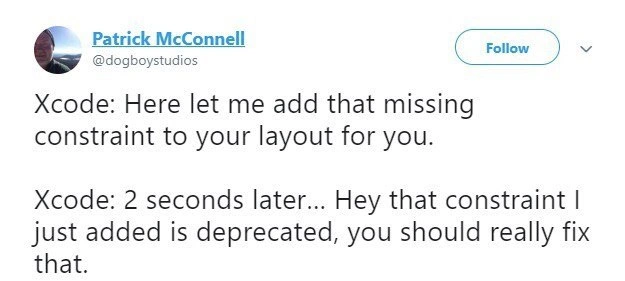
The Infinite Loop of Xcode's 'Helpfulness'
Description
This image is a screenshot of a tweet from user Patrick McConnell (@dogboystudios). The tweet humorously personifies Apple's Xcode IDE, describing a frustrating and contradictory developer experience. The text reads: 'Xcode: Here let me add that missing constraint to your layout for you. Xcode: 2 seconds later... Hey that constraint I just added is deprecated, you should really fix that.' This perfectly captures a common pain point for iOS and macOS developers where the IDE's automated tools, designed to help, often create new problems or use outdated solutions. For senior engineers, the joke is deeply relatable, highlighting the often-flawed logic of development tools that can create more work in the name of convenience. It's a commentary on the developer experience (DX) when automated assistants lack the context to be truly helpful



Comments
7Comment deleted
Using Xcode's 'fix-it' suggestions is like having a Roomba smear something on the floor and then proudly send you a notification that the floor is dirty
Xcode’s Auto-Layout assistant is the only coworker who can add an NSLayoutConstraint, deprecate it, and file you a radar about it - all before your CI finishes brewing coffee
Xcode's constraint system is like hiring a consultant who immediately files a change request for their own recommendations - except the consultant is also the code reviewer, the PM, and somehow still can't figure out why your view is 3 pixels off on iPhone 12 mini
Ah yes, Xcode's legendary workflow: 'I'll help you by adding this constraint... and I'll help you again by making it your problem immediately.' It's like having a senior architect who designs your system using patterns they know are deprecated, then writes you up in code review for using them. Classic Apple developer experience - the IDE creates technical debt faster than you can accumulate it organically. At least when we write deprecated code ourselves, we get a few release cycles of blissful ignorance before the warnings arrive
Xcode's Auto Layout: auto-adding tech debt at the speed of Apple's release cycle
Xcode Fix‑It is a Saga: add NSLayoutConstraint; compensating action - emit a deprecation warning
Xcode’s Auto Layout Fix‑It adds topLayoutGuide, then instantly warns you to replace it with safeArea - pair programming with a bot that opens a ticket against its own commit